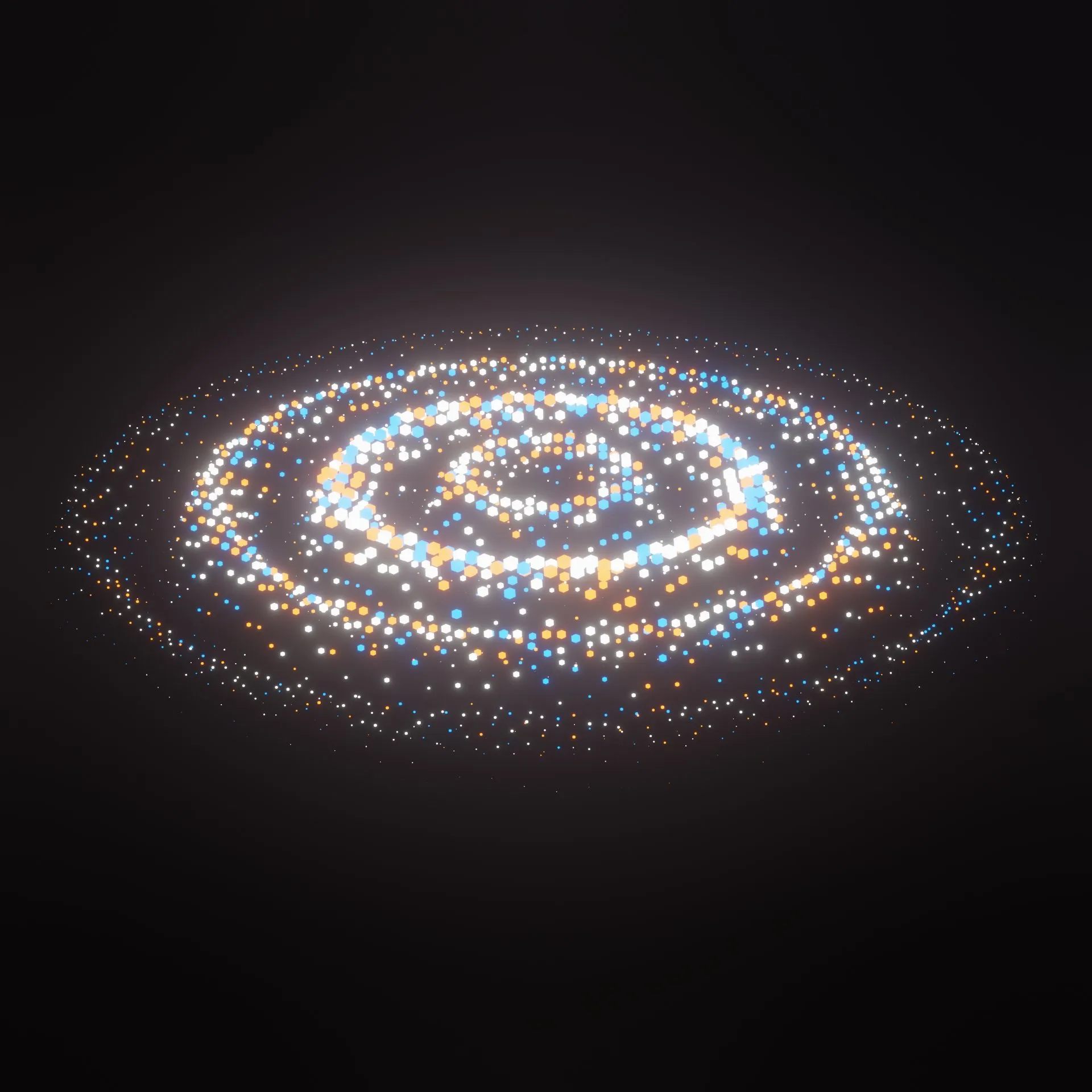
Complete 3D abstract scenes to enhance your art.
Get free assets
Access the full library & enjoy assets
Find free & paid Blender add-ons
Share & sell your assets
BlenderKit is a community‑driven 3D asset library integrated into Blender 3D.
Founded in the spirit of open‑source, BlenderKit is available for free.
With a Full Plan subscription, users support BlenderKit creators and open‑source development, while enjoying access to the full database.
This is a ring audio visualizer, which is adaptable to any audio.
To syncronize the audio, you first have to go to the "Video sequencer" in the "Video Editing" tab and replace the audio, to the audio of your choice, then you also have to adapt the "End" frame to the end of your audio (at the bottom right of your screen).
Then you have to go to the "Geometry Nodes" tab, and add a new "Value" node, to the "Map Range" node. Once you did that, you will have select the "Value" node again and press "i", while being on the first frame in the timeline. In the "Timeline" window, you then need to press Ctrl + Tab. This will bring you to the "Graph Editor". There you press the "Key" menu and click "Bake Sound to F-Curves" there you then select your audio.
Then just have to replace the "Math" node (named "Multiply"), in between the "Wave Texture" node and the "Map Range" node.
(To add a "Multiply" node in, you have to first add a "Math" node, which you change from "Add", to "Multiply").
Lastly, you click go back to the "Timeline", got to got first frame and click in the "Multiply" node and click "i". Then you to the "Graph Editor" and press "Key" , "Bake Sound to F-Curves" and select your sound again.
You should then be finished with the syncronization.
If you have any questions, write them in the comments.
Have fun : )