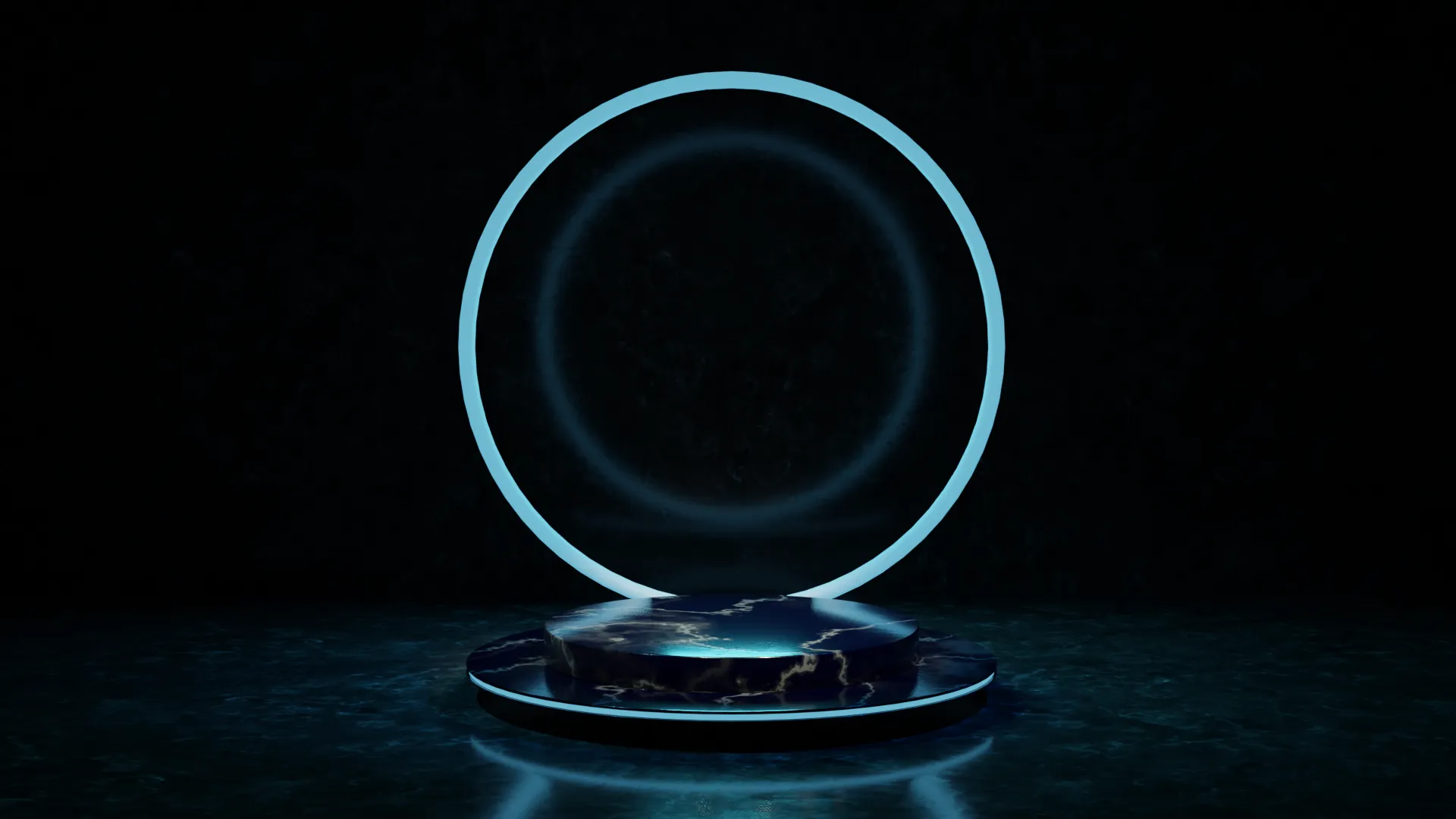
Complete 3D studio scenes to facilitate your creative process.
Get free assets
Access the full library & enjoy assets
Find free & paid Blender add-ons
Share & sell your assets
BlenderKit is a community‑driven 3D asset library integrated into Blender 3D.
Founded in the spirit of open‑source, BlenderKit is available for free.
With a Full Plan subscription, users support BlenderKit creators and open‑source development, while enjoying access to the full database.
Creating a blue neon product visualization in Blender involves a few key steps. Start by modeling the product using basic shapes and modifiers to achieve the desired form. Apply a blue neon material to the product by using the Shader Editor, where you can combine Emission and Glossy shaders to create a glowing effect. Adjust the emission strength to enhance the neon glow. Set up the scene with appropriate lighting and background, ensuring it complements the neon effect. Finally, render the scene with Cycles or Eevee, tweaking settings to achieve a high-quality, vibrant neon visualization.