ObjXport | One-Click OBJ Export
One-Click OBJ Export with Automatic Texture Baking
Exporting a clean OBJ should not be a workflow headache.
ObjXport turns complex Blender scenes into optimized, single-texture OBJ files with one click. No destructive edits. No manual baking. No tr
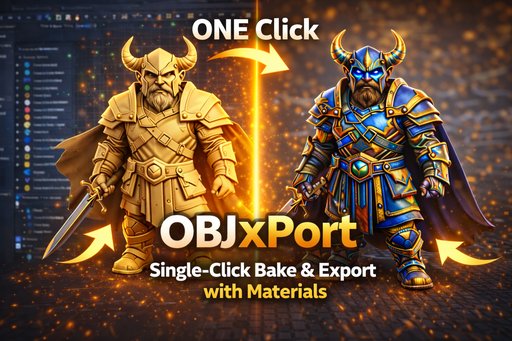
What This Add-on Solves Manual OBJ export usually means:
- Joining multiple meshes
- Fixing UV overlaps
- Baking textures by hand
- Re-exporting to fix issues
- Cleaning up materials and normals
ObjXport handles the entire pipeline automatically using temporary duplicates of your objects.
Your original scene stays untouched.
Key Features One-Click OBJ Export
From complex, multi-material scenes to a clean OBJ instantly.
Automatic Texture Baking
All visible color data is baked into a single texture atlas for consistent results.
Non-Destructive Workflow
Original objects, materials, and UVs are never modified.
Smart UV Packing
Automatic UV layout with configurable margins to prevent texture bleeding.
Geometry Preparation
Optional triangulation for better compatibility with game engines and external tools.
Clean Material Output
Exports proper .obj + .mtl files with baked textures.
How It Works
- Select the objects you want to export
- Open View3D → Sidebar → ObjXport
- Choose texture size and export options
- Click Bake & Export OBJ
- Done. Files are exported and organized automatically
Output Structure
ObjXport_{CollectionName}/
└── obj/
├── model.obj
├── model.mtl
└── model_texture.jpg / png
# Perfect For
- Game asset preparation
- CAD and architecture workflows
- 3D printing pipelines
- Product visualization
- E-commerce previews
- Students and hobbyists
- Anyone who needs clean OBJ files fast
If OBJ is your delivery format, ObjXport fits naturally into your workflow.
Technical Details
- Blender: 3.0 or higher
- Platforms: Windows, macOS, Linux
- Export Format: .obj + .mtl
- Texture Sizes: 512 / 1024 / 2048 / 4096 / 8192
- Workflow: Fully non-destructive
- Baking Engine: Cycles
Why ObjXport?
Because OBJ is still everywhere.
This add-on removes friction from exporting and gives you consistent, predictable OBJ output every time, without breaking your scene.
Fast in. Clean out.
Support & Documentation
Setup guides, updates, and documentation:
👉 https://addons.digibee.in/blender/objxport/
Support:
📩 support@digibee.in
Actively maintained. Fast responses.