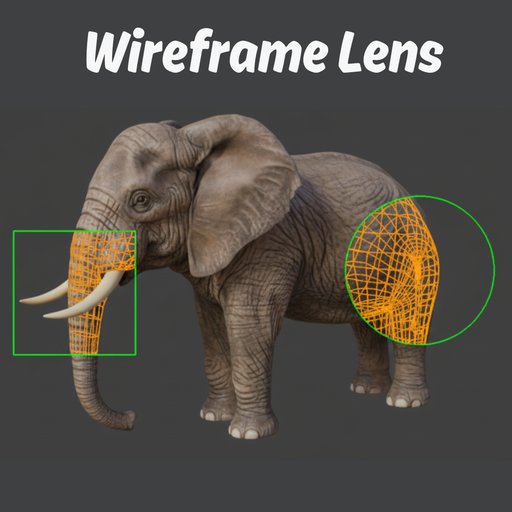
Wireframe Lens - Inspect topology without switching modes.
Addon shows mesh edges only within a movable circle or box boundary on your screen. Perfect for examining geometry in specific areas while keeping the rest of your viewport in solid, material, or rendered mode. Works like a magnifying glass
Wireframe Lens is not recommended for slow or low-end machines
Performance Note: Wireframe Lens relies on real-time viewport overlays and may impact performance on low-end or slower machines. For best results, use it on a system with a decent GPU.
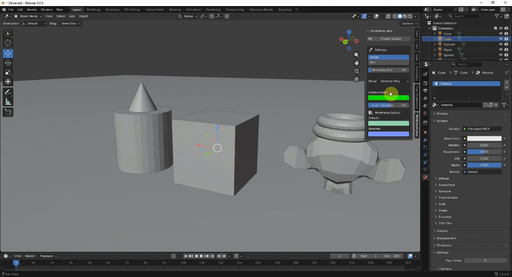
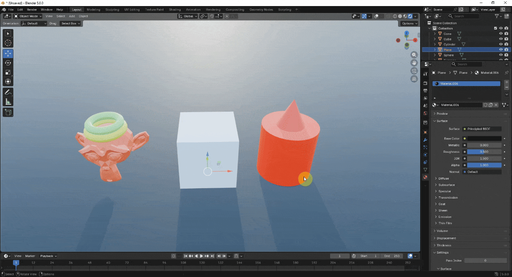
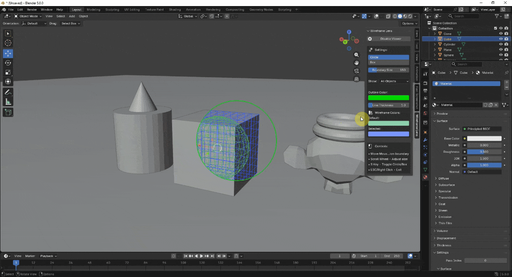
Wireframe Lens - Your Precision Wireframe Inspector for Blender
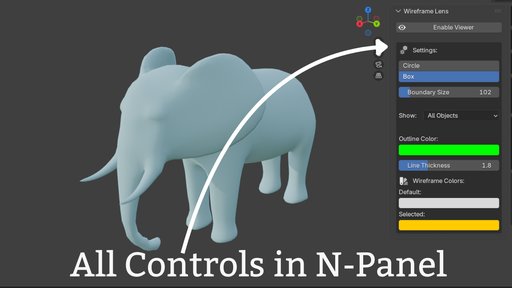
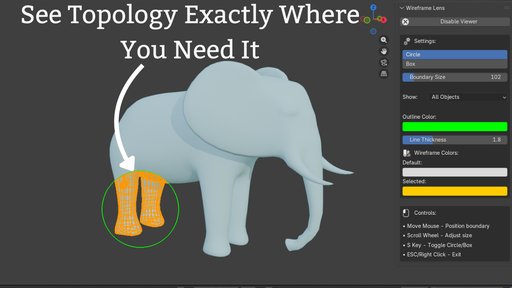
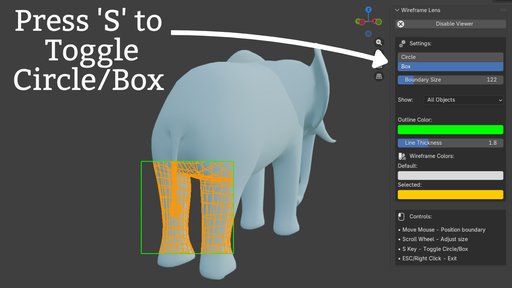
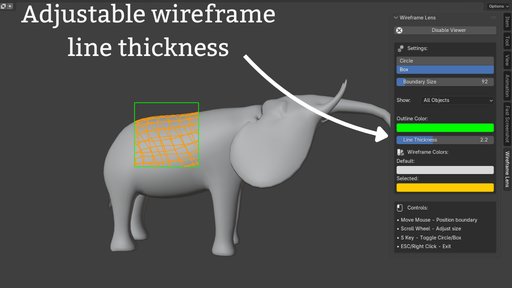
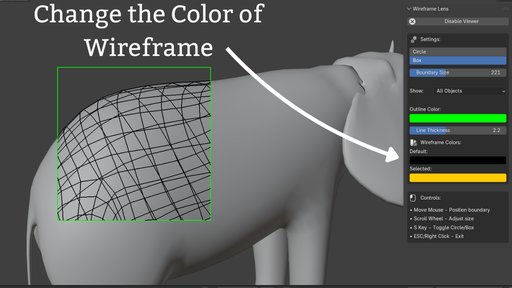
A revolutionary 2D screen-space overlay tool that transforms how you inspect mesh topology in Blender. Wireframe Lens shows wireframe edges only within a movable circle or box boundary on your screen, allowing you to examine specific areas without switching your entire viewport to wireframe mode.
Think of it as a magnifying glass for your wireframes - move it around with your mouse to inspect different areas, resize it with the scroll wheel, and toggle between circle and box shapes with a single key press.
**Perfect For:
**
- Character modeling and retopology workflows
- Hard surface modeling precision checks
- Multi-object editing and comparison
- Quality control and topology verification
- Edge flow inspection without mode switching
**Key Features:
**
- 2D screen overlay that follows your mouse in real-time
- Circle and box boundary shapes (toggle with S key)
- Selection highlighting - selected objects show in different color
- Display filters - show all, selected only, or unselected only
- Adjustable line thickness for perfect visibility
- Perfect edge clipping - no wireframe overflow
- Customizable colors for boundary and wireframes
- Smooth 60 FPS performance on most hardware
- Works in Solid, Material Preview, and Rendered shading modes
IN short Wireframe Lens gives you the precision and context you need to work faster and smarter.