
 Add-ons
 Models
 Materials
 HDRIs
HDRIs
 Scenes
 Brushes
 Node Groups
 Printables
 Creators
 Creations
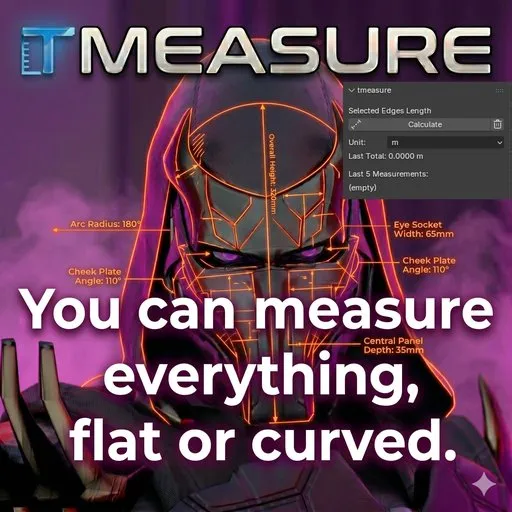
TMEASURE | QUICK START GUIDE (v1.1.2)
CORE FUNCTIONS
Edge Length: Calculates the total sum of all selected edges in Edit Mode.
Object Dimensions: Real-time X, Y, Z dimensions of the active mesh object.
Auto-Correction: Integrated "Apply Scale" operator to fix non-uniform scaling issues instantly.
HOW TO USE:
Object Dimensions: Simply select a mesh object. The X, Y, and Z dimensions are displayed at the top of the tmeasure panel (N-Panel > Measure).
Edge Measurement:
Switch to Edit Mode (TAB).
Select the edges (Individual, Loops, or non-continuous paths).
Click the Calculate button.
History: The last 5 measurements are stored automatically. Use the Trash icon to clear history.
ACCURACY & SCALE FIX:
Critical Warning: If your object's scale is not 1.1.1, the panel will display a red "Scale not applied!" error.
One-Click Fix: Instead of manual shortcuts, simply click the "Apply Scale" button that appears next to the warning. The tool will handle the mode switching and correction automatically.
PRO TIPS:
Unit Toggle: Use the Unit dropdown (m/cm) to switch display units. This affects both the Object Dimensions and the Edge Measurement results without changing your global scene settings.
Non-Destructive: The "Apply Scale" button is safe to use in Edit Mode; tmeasure will return you to your current selection after the operation.
SUPPORT:
For technical feedback or feature requests, contact via Otonkart or the BlenderKit portal.
TMEASURE - Professional Measuring & Scale Toolkit for Blender
1. OVERVIEW
TMeasure is a comprehensive technical tool that allows you to perform precise measurements at both micro and macro scales within Blender. It not only sums edge lengths but also tracks the overall dimensions of the active object and corrects mathematical errors caused by incorrect scaling with a single click.
- KEY FEATURES
Edge Path Analysis: Calculates the total length of selected edge loops or individual edges with bmesh accuracy.
Object Dimensions (New): Instantly displays the X, Y, Z dimensions of the active object via the panel.
Scale Guardian (New): Warns the user if the object scale is not 1,1,1 and offers a one-click correction (without needing to change modes) with the "Apply Scale" button.
History Log: Stores the last 5 measurements for comparative analysis.
Dynamic Unit System: Provides quick visual switching between meters and centimeters without disrupting scene settings.
- TECHNICAL SPECIFICATIONS
Blender Version: 4.2 and above (100% compatible with Blender Extension system).
Precision: High-precision calculation synchronized with Blender's internal unit system.
Workflow Integration: Minimal and focused interface integrated into the "Measure" tab under the N-Panel (Sidebar).
- USE CASES
Character Design: Calculation of seam allowances, determination of belt or accessory lengths.
Hard Surface: Checking the tolerances of fitting technical parts together.
3D Printing: Final check of object dimensions and scale before printing.
- AUTHOR
Developed by Otonkart


