
 Add-ons
 Models
 Materials
 HDRIs
HDRIs
 Scenes
 Brushes
 Node Groups
 Printables
 Creators
 Creations
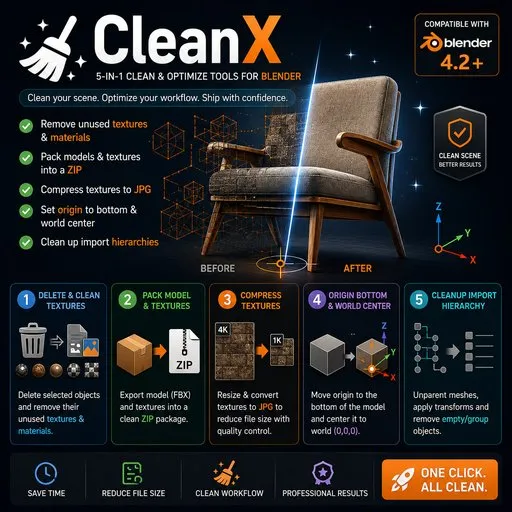
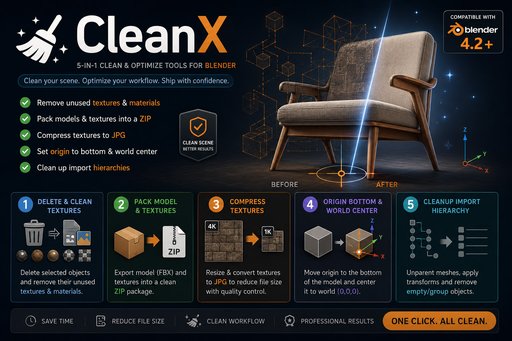
Feature 1: Delete and Clean Textures
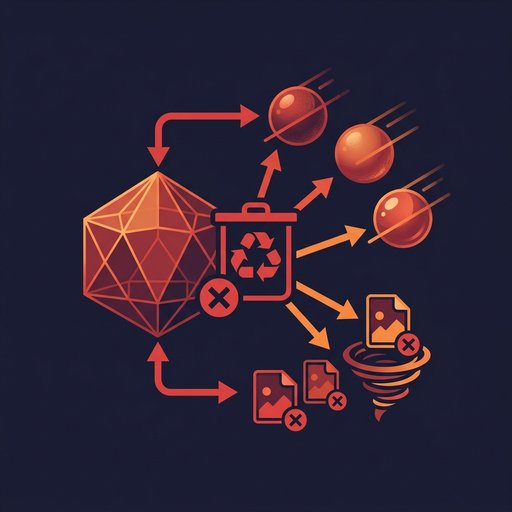
Deletes the selected objects and automatically removes any materials and textures that are used exclusively by those objects. Shared resources are never affected. No more manually hunting down orphaned textures one by one.
Use case: Remove a model from your scene while instantly clearing out all of its dedicated textures, keeping your project clean and tidy.
Feature 2: Pack Model and Textures
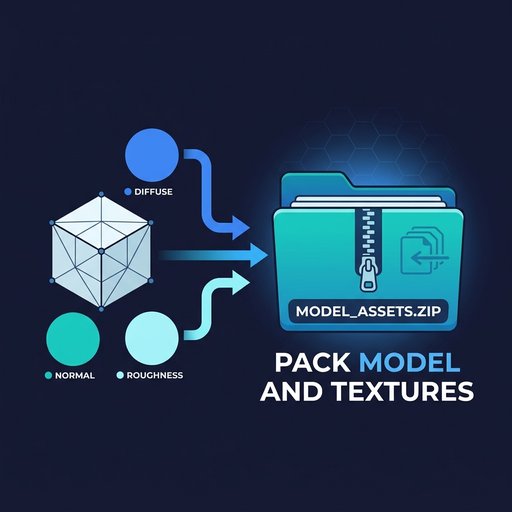
Exports the selected objects as FBX and packages all associated textures into a single .zip file. Choose the output texture resolution (Original / 512 / 1024 / 2048 / 4096) and JPG quality before exporting.
Use case: Deliver a model to a client or upload to an asset platform — one click to get a complete, self-contained package ready to use.
Feature 3: Compress Textures
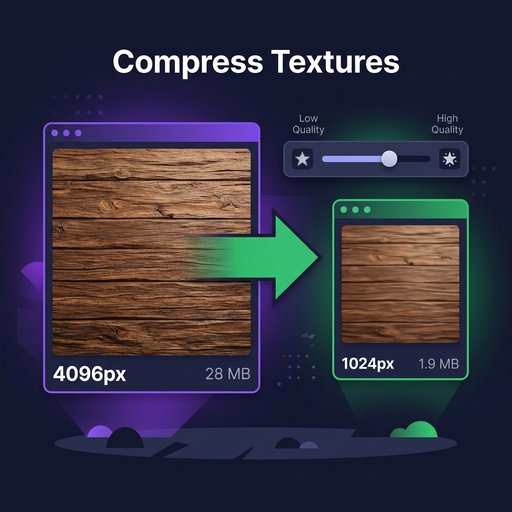
Batch-scales all textures on the selected objects and saves them as JPG, replacing the originals in place. UDIM tile sets are fully supported. If a Base Color map is detected as RGBA (non-JPEG), a warning is shown before proceeding — JPG does not support transparency.
Use case: Reduce project size after finishing a model by downscaling heavy textures and converting them to JPG.
Feature 4: Origin Bottom & World Center
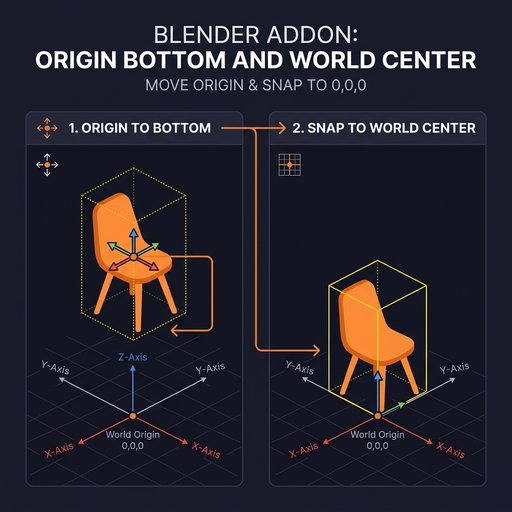
Sets the origin of each selected object to the bottom center of its bounding box, then resets the object's location to the world origin (0, 0, 0).
Use case: Standardize model pivots before export — ensures every object sits on the ground plane and imports correctly into any other application.
Feature 5: Cleanup Import Hierarchy
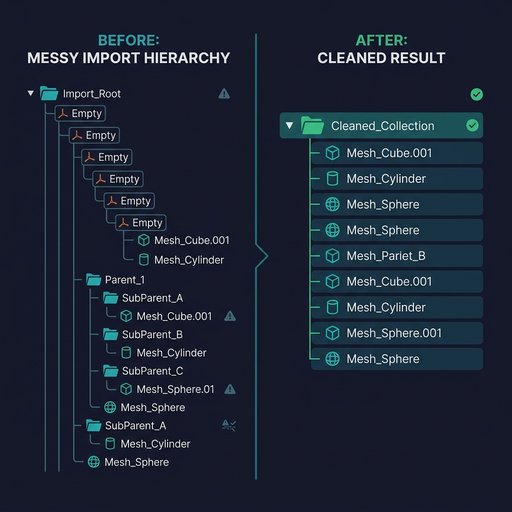
Flattens the complex hierarchy common in FBX files from 3ds Max or Maya: removes Empty parent chains, applies transforms (fixes the common 0.01 scale issue), deletes leftover group nodes, and moves all mesh objects into a new clean collection.
Use case: After importing an FBX, instantly strip out all the redundant Empty nodes and get a clean, flat scene structure to work with.


