
 Add-ons
 Models
 Materials
 HDRIs
HDRIs
 Scenes
 Brushes
 Node Groups
 Printables
 Creators
 Creations
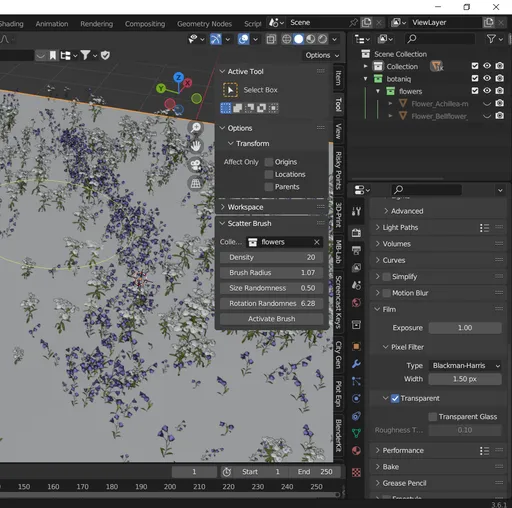
Procedural Scatter Brush
The Procedural Scatter Brush lets you paint instances of any asset collection directly onto mesh surfaces, with real-time radius preview and per-stroke randomization.
- 🌿 Scatter plants, rocks, debris or custom props
- 🎯 Live brush circle & “F”-key resizing
- ⚙️ Control density, scale jitter & Z-rotation randomness
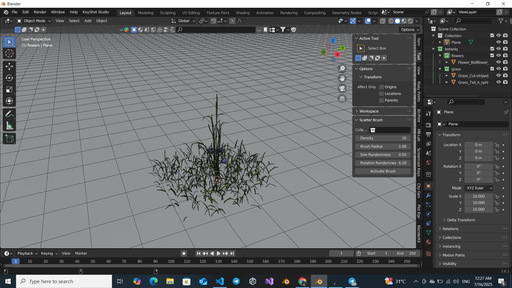
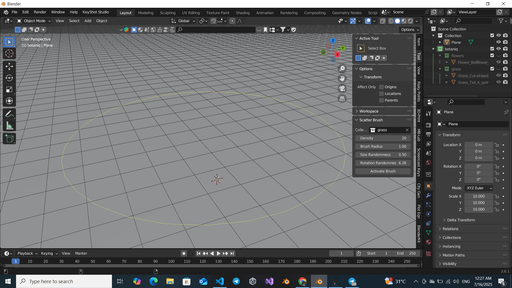
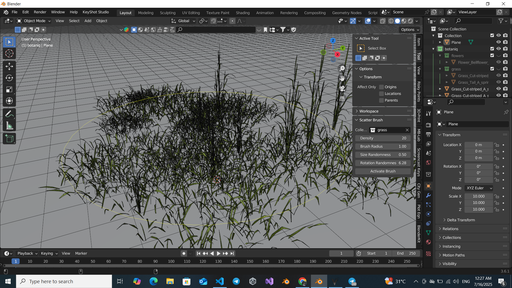
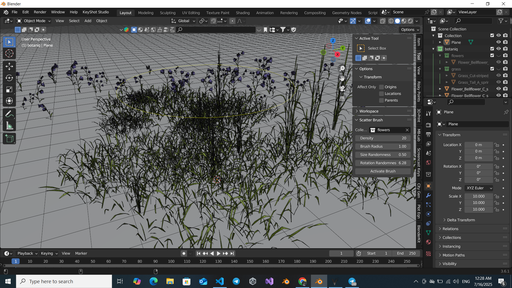
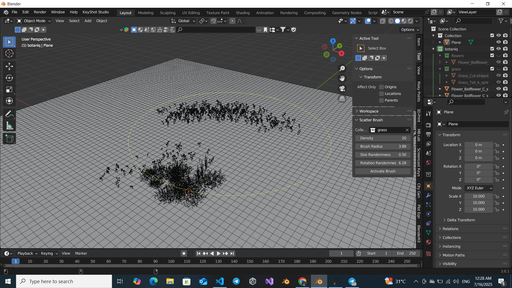
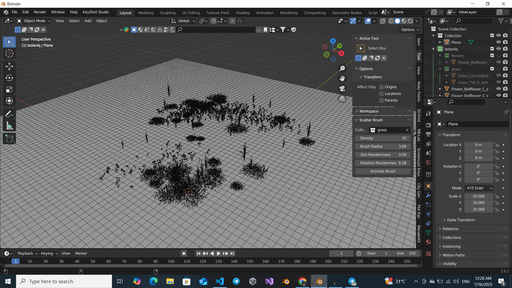
Features
- Brush-Based Scattering
Paint instances of any Blender collection onto your mesh. - Live Radius Preview
See a circle drawn in the viewport; press F and drag to resize. - Density Control
Specify how many objects spawn per stroke. - Scale & Rotation Randomness
Add natural variation with size and Z-axis jitter. - Context-Aware
Only scatters where your brush ray-hits the active mesh.
Requirements & Installation
- Blender 3.6.1 or newer
- Download the ZIP from this page.
- In Blender: Edit → Preferences → Add-ons → Install…, choose the ZIP.
- Enable Procedural Scatter Brush in the Add-ons list.
Quickstart
- Select a mesh object in Object Mode.
- Open the Tool tab in the sidebar.
- Set Collection to your assets.
- Tweak Density, Brush Radius, Size Randomness, Rotation Randomness.
- Click Activate Brush.
- Left-click drag over your mesh to scatter.
- Hold F and move the mouse to resize the brush in real time.
- Press Esc or Right Click to exit the brush.


