
 Add-ons
 Models
 Materials
 HDRIs
HDRIs
 Scenes
 Brushes
 Node Groups
 Printables
 Creators
 Creations
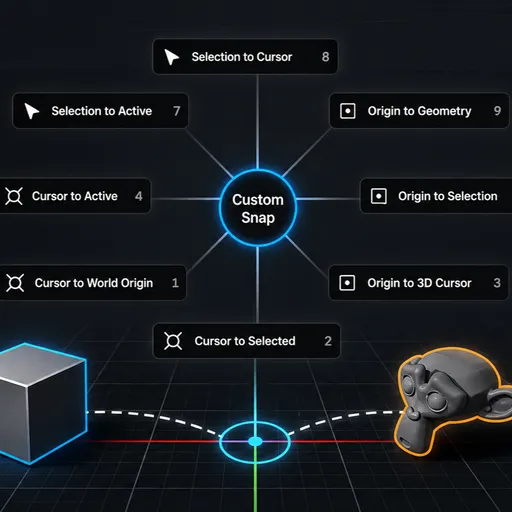
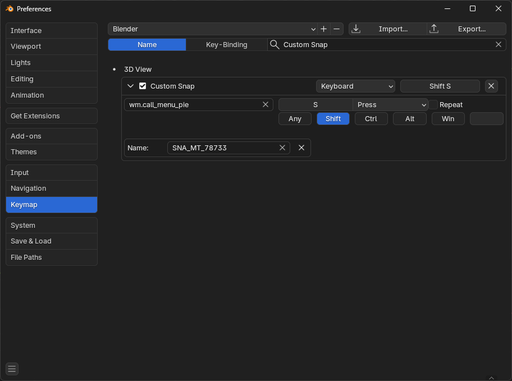
Once installed, go to Edit → Preferences → Keymap and search for “Custom Snap.”
From there, change the shortcut to Shift + S so it behaves like Blender’s default Snap tool. Using the same hotkey makes the workflow feel more intuitive and keeps the controls consistent with Blender’s standard snapping system.
By


