18 April 2025
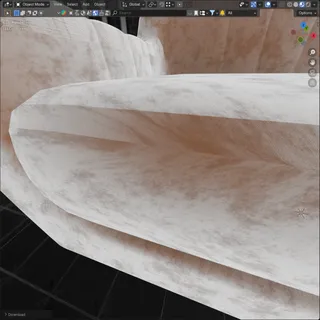
This asset has incorrectly set UV mapping.
In most cases, the problem comes from unsuitable or automatic projection that doesn’t reflect the shape of the object – for example, using a flat projection on a complex 3D surface. This often results in stretched, squashed, or otherwise distorted textures, where the texture no longer fits the geometry – it ends up screaming for help instead of naturally settling in place.
We recommend adjusting the UV coordinates so they better match the actual geometry.
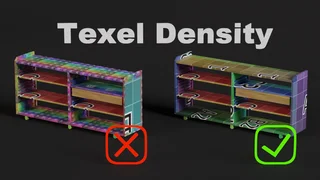
An ideal solution is a manually unwrapped UV layout with evenly scaled, non-overlapping islands – even though it’s not always required, it’s the path to the highest-quality assets.
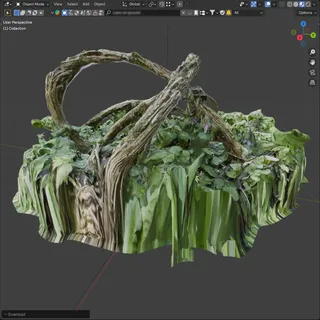
Stretched texture example
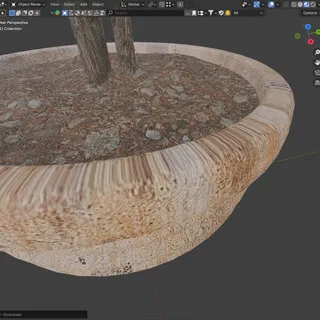
Incorrect UV projection
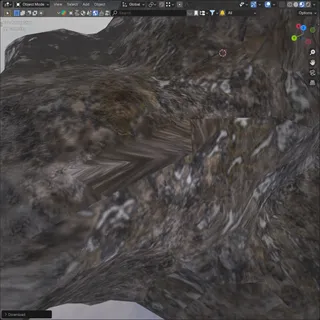
Stretched texture example