
 Models
 Materials
 HDRIs
HDRIs
 Scenes
 Brushes
 Node Groups
 Printables
 Creators
 Creations
Essential Tools - Ultimate Blender Workflow Utility Addon
 add-on
The only utility toolset you need: Set origins, batch rename, align objects, clean meshes, and export instantly.
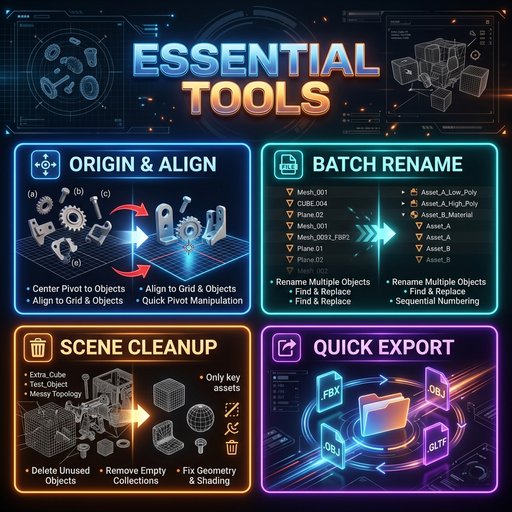
🌟 Key Features
Take complete control over your object origins without entering edit mode:
-
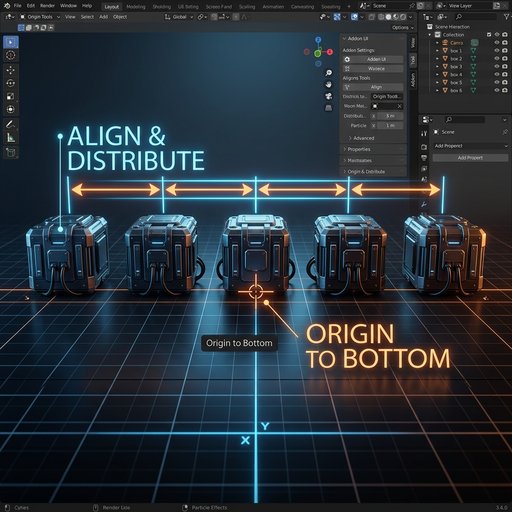
Origin to Bottom: Instantly places the origin at the lowest bounding boundary of your mesh. Perfect for aligning models to the floor grid or setting pivot points for doors and assets.
-
Origin to Center: Sets the pivot point to the absolute bounding box center.
-
Origin to 3D Cursor: Moves the origin of all selected meshes directly to your 3D cursor position in one click.
Keep your Outliner perfectly clean and game-engine ready:
-
Add Prefix / Suffix: Instantly append prefixes (e.g., SM_, M_) or suffixes to organize materials and meshes.
-
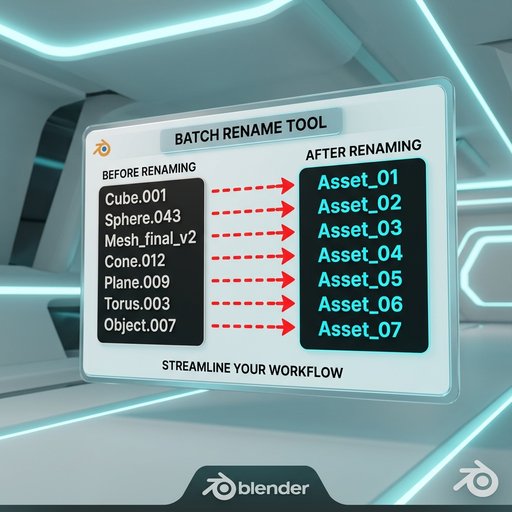
Find & Replace: Quickly replace parts of object names across dozens of items at once.
-
Base Name + Incremental Numbering: Rename multiple objects to a clean base name with custom starting indexes (e.g., renaming random objects to Rock_01, Rock_02, Rock_03).
No more manual eyeball layouts. Arrange multi-object scenes cleanly:
-
Axis Selection: Align objects on the X, Y, or Z axes.
-
Distribute Evenly: Spreads selected objects with equal spacing between the first and last models.
-
Align Bounds: Instantly line up selected objects by their Minimum, Maximum, or Average Center coordinates.
Keep your .blend files incredibly light and optimized:
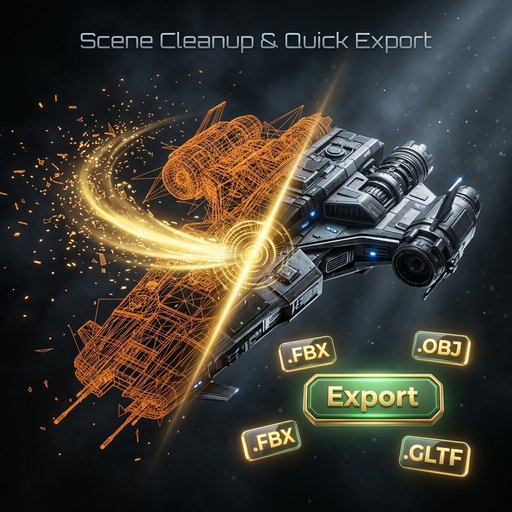
* Cleanup Unused Data: Purges orphan data blocks (unused materials, textures, meshes) to reduce file sizes.
-
Remove Doubles (Merge Vertices): Automatically merges overlapping or double vertices across all selected meshes.
-
Apply Scale: Bake scale transforms instantly, preventing rigging, physics, or game engine scaling issues.
Bypass complex export menus. Ideal for game engines (Unity, Unreal Engine, Godot) and 3D printing:
-
Supported Formats: .FBX, .OBJ, .GLTF / .GLB, and .STL.
-
Selected Only Option: Export only what you have currently selected.
-
Apply Transforms: Automatically applies scale, rotation, and position on export for perfectly set coordinates.
- Download the addon as a .zip file.
- In Blender 4.2+: Go to Edit > Preferences > Get Extensions, click the top-right arrow, and select Install from Disk.
- In Blender 3.0 - 4.1: Go to Edit > Preferences > Add-ons, click Install..., and choose the zip file.
- Open the 3D Viewport, press N, and locate the Essential tab on the sidebar.
📄 License & Compatibility
- Blender Version: 3.0.0 or higher (Fully compatible with Blender 4.2+ Extension Manifest)
- License: GPL-2.0-or-later (Open Source & Production Ready)
- Author: abijith


