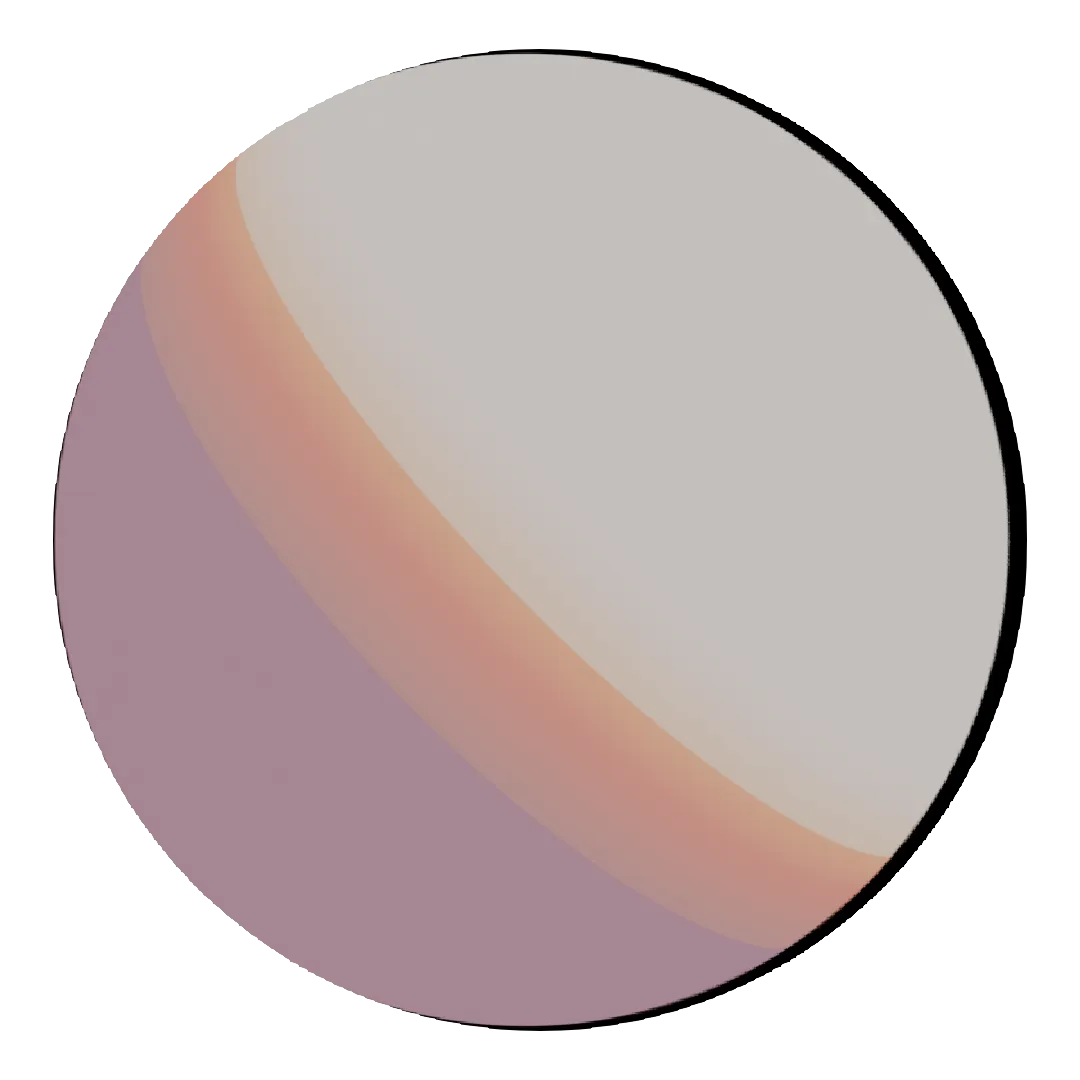
Working on an explanatory animation? Maybe a scientific illustration? Or searching skin for your hyper-realistic human character? If so, get eyeball to eyeball with our free 3D human materials render-ready for Blender.
Get 61,098 free assets
Access the full library & enjoy 129,992 assets
Find free & paid Blender add-ons
Share & sell your assets
BlenderKit is a community‑driven 3D asset library integrated into Blender 3D.
Founded in the spirit of open‑source, BlenderKit is available for free.
With a Full Plan subscription, users support BlenderKit creators and open‑source development, while enjoying access to the full database.
WORKS ONLY ON EEVEE in Blender version 5.1 and above. The default preset is human skin shading for presentation.
The outline thickness varies based on camera proximity. Options are limited with shader nodes. If this line art solution does not work for you, try using the Solidify modifier as an outline combined with a VertexWeightProximity modifier.
Due to limitations in Blender, adding a proximity-based outline shader can cause visual artifacts when you get close to the object or when the object is cut off by the edges of the viewport or camera. It is advisable to render with extra space around the frame and crop it afterward.
Why choose this over using the Solidify modifier as line art? This method prevents the floating edge artifacts that the Solidify modifier can produce.