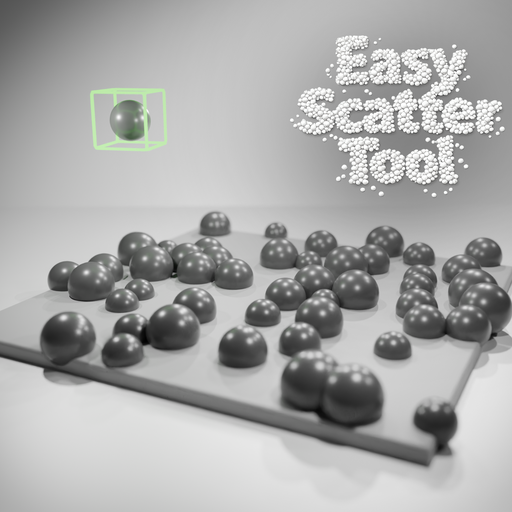
Easy Scatter Tool
Easy Scatter Tool is a Blender add-on that scatters one object across the surface of another mesh.
Features:
- Scatter a chosen object across a target mesh surface
- Control the exact number of generated instances
- Set a force field spacing value so instances keep a minimum distance from one another
- Toggle top-surface-only placement so objects appear only on upward-facing areas when needed
- Add random size variation and rotation variation
- Align instances to surface normals
- Offset objects away from the surface
- Reuse linked mesh data for lighter scenes
- Replace the previous scatter pass in one click
Accessed from:
View3D -> Sidebar (N) -> Item -> Easy Scatter Tool
Settings:
- Scatter Object: Pick the source object that will be duplicated.
- Target Object: Pick the mesh surface that receives the scattered copies.
- Output Collection: Choose the collection where generated instances are stored.
- Instances: Set how many copies to try to generate.
- Force Field: Set the minimum spacing between scattered copies.
- Top Surface Only: Limit scattering to upward-facing parts of the target surface.
- Seed: Change the scatter pattern without changing the other values.
- Replace Previous Scatter: Remove the last generated set before creating a new one.
- Base Size: Define the starting scale of each copy.
- Size Variation: Add random scale variation so the result feels more natural.
- Rotation Variation: Add random rotation so copies do not all face the same way.
- Align To Normals: Rotate copies so they follow the target surface.
- Surface Offset: Move copies away from or into the target surface.
- Linked Duplicates: Reuse the same mesh data for lighter scenes and faster edits.