Sliceform PopUp Maker
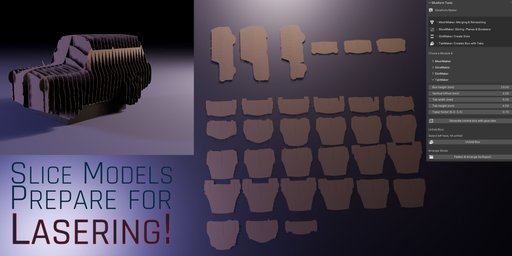
Create stunning sliceform models with ease – perfect for laser cutting, papercraft, and pop-up card design. wk_sliceformPopUp turns 3D meshes into interlocking 2D slices in just a few clicks.
Turn 3D Models into Sliceform Sculptures and Pop-Ups
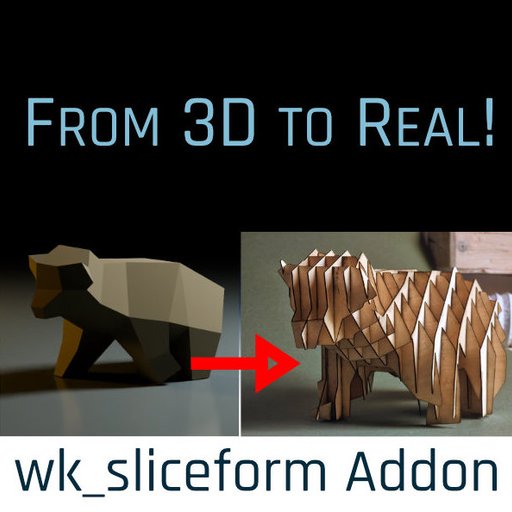
wk_sliceformPopUp is a powerful Blender add-on that transforms any 3D mesh into a sliceform structure – a physical model made of intersecting flat slices.
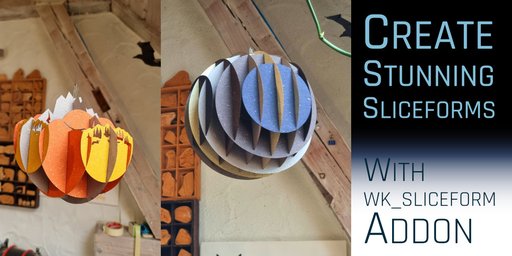
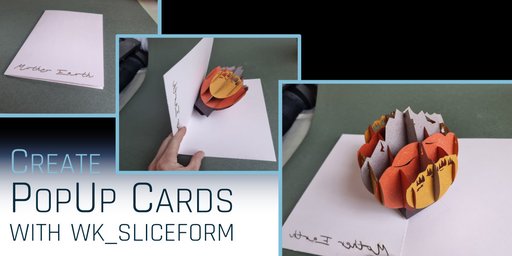
These sliceforms can be folded flat like pop-up cards or assembled into large-scale sculptures using paper, wood, cardboard or even metal.
Whether you're designing interactive pop-up cards, rapid prototypes, or intricate design objects – wk_sliceform gives you full control over slicing, slotting, and layout with just a few clicks.
Updates in 1.5.0
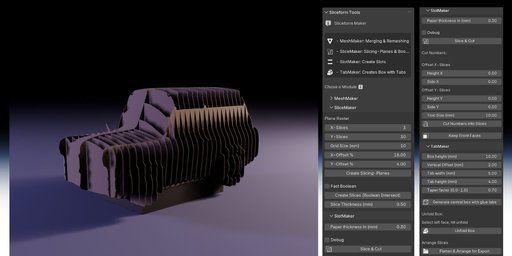
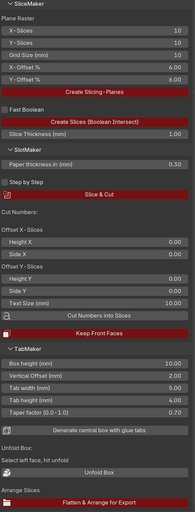
- Most important buttons now in read for clearer UI
- Renamed "Debug" checkbox to "Step by Step"
- When "Step by Step" is on, you now can reverse the red and blue boolean Cubes. So slots are reversed. Helps for overhangs so parts don't fall down.
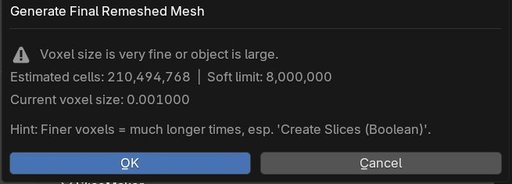
- Meshmaker warns if Voxel settings are too fine
- If your source object has rotation or scale, it's applied automatically
- Slices are placed better on source objects which have their Pivots off
Whether you're working in paper, cardboard, plywood, or metal – wk_sliceform helps you design laser-cutter-ready models directly inside Blender.
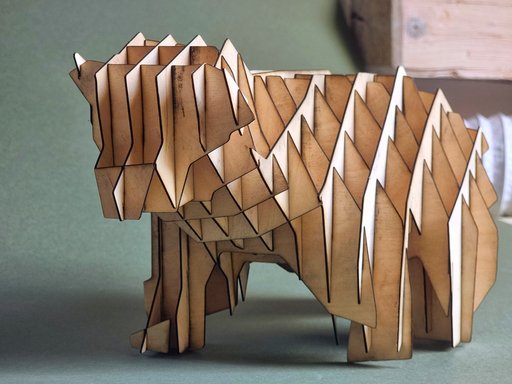
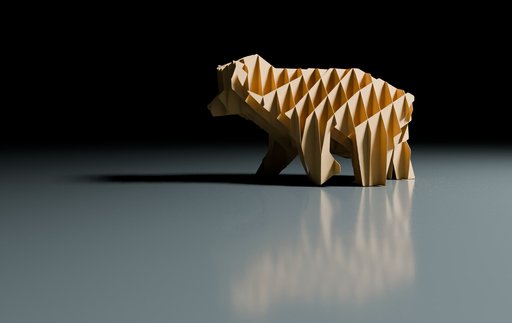
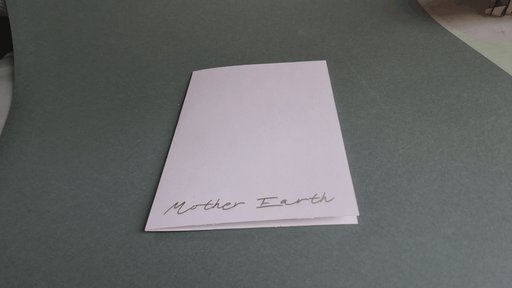
Features
** MeshMaker – Prepare and Clean Your Mesh**
Complex models often need cleanup before slicing. MeshMaker combines multiple objects into one and uses voxel remeshing to close holes and ensure watertight geometry. You can control voxel size for quality vs. performance, and use Solidify/Displace to fix thin or leaky surfaces.
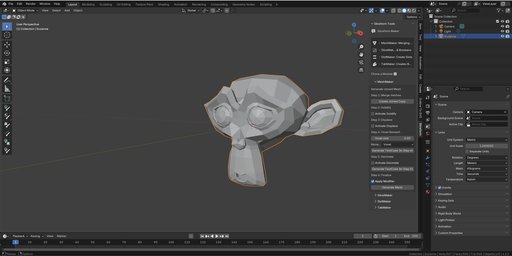
** SliceMaker – Cut Clean Slices**
Define a slicing grid: how many slices in X and Y, how much to offset from the object's boundary. This module creates cutting planes and uses boolean operations to generate accurate "slice pieces" of your model – ready for the next step, cutting slots into the slices.
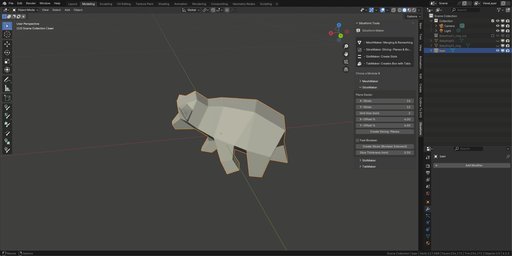
** SlotMaker – Create Perfect Joinery**
Simply enter your material thickness (e.g. 1.5 mm for cardboard) and click “Slice & Cut”. SlotMaker automatically adds interlocking slots so slices fit together cleanly. For complex shapes or overhangs, you can enable Debug Mode to adjust the slot geometry manually.
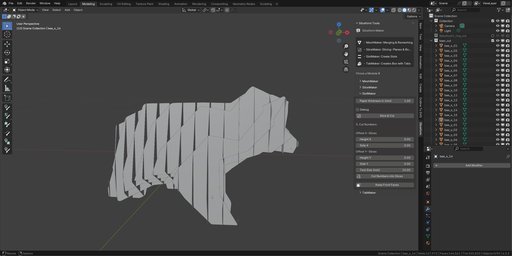
** TabMaker – Build Pop-Up Mechanics**
Create pop-up cards with ease: TabMaker adds folding boxes with glue tabs, perfectly aligned to your sliceform. Each box includes attachment tabs to fix it to the base card and to the intersecting slices.
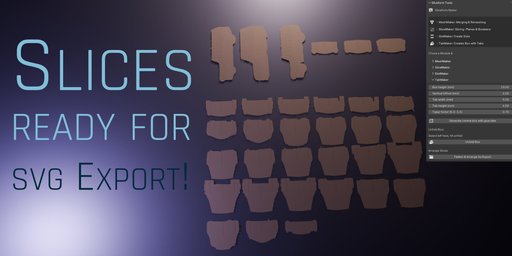
The integrated SVG Arrange Layout Tool lets you flatten and arrange all slices for export. All slices will sorted alphabetically for better recognizing when exporting to vector programs.
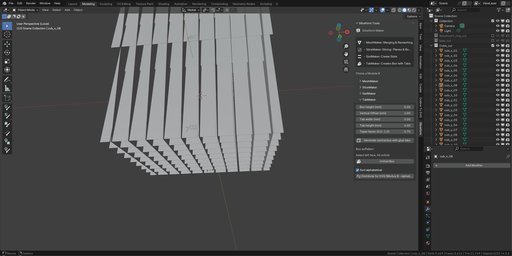
SVG Export
For exporting to SVG, we recommend the free add-on “Outline To SVG”.
wk_sliceformPopUp produces all the necessary flat, front-facing objects to export properly.