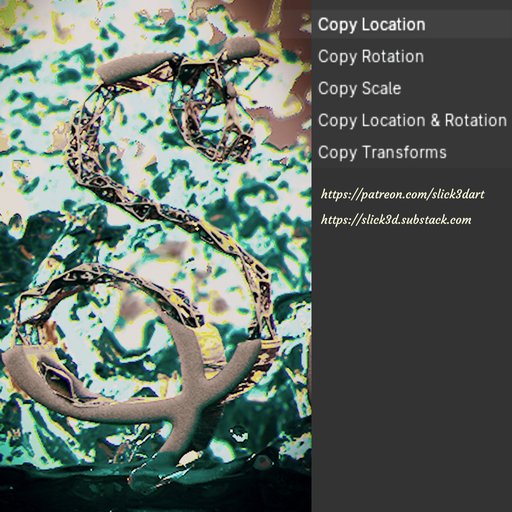
Copy Transforms
The Copy Transforms add-on mimic the Autodesk Maya copy transform functions. The operations only work in Object Mode and can be done between objects, lights and cameras. Plug-in updated to version 2.0.
The Copy Transforms add-on mimic the Autodesk Maya copy transform functions. The operations only work in Object Mode and can be done between objects, lights and cameras.
Copy transforms add-on usage:
1) Select the object that you desire to be transformed;
2) Then, shift select the object that has the transformations you desire to copy to the first selected object;
3) Right mouse click and select between:
a) Copy Location - the first selected object will have the same location of the second object selected;
b) Copy Rotation - the first selected object will have the same rotation of the second object selected;
c) Copy Scale - the first selected object will have the same scale of the second object selected;
d) Copy Location & Rotation - the first selected object will have the same location and rotation of the second object selected;
e) copy transforms - the first selected object will have the same position, rotation and scale of the second object selected.