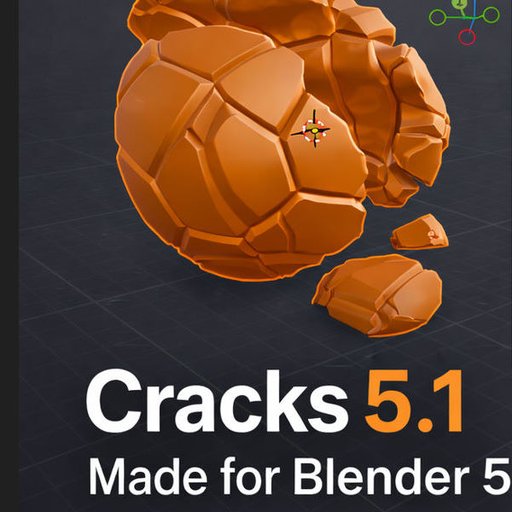
"Cracks" Damage addon 💥Windows, Linux, Mac approved
Cracks damage is a powerful geo-node group that gives you a one click option for damage with multiple options to isolate recursion cracks or exploded view damage
REMADE FOR BLENDER 5+ WITH 3 CRACK TYPES-CLEAN UI
The newest version of the Cracks add-on has been built in Blender 5, for Blender 5, with limited backward compatibility. This release was designed to be extremely lightweight, while still delivering true crack generation with internal remeshing with a very powerful geometry based nodes group, as well as procedural surface damage using only vanilla Blender to keep it smooth and familiar.
You can now add and modify surface damage in multiple ways, including adapting it directly to the edges of your cracks to create realistic procedural edge wear. Everything remains non-destructive until you choose to make it destructive, giving you full control over your workflow.
This update also introduces several new advancements, including animation support and a dynamic setup. When you press play on the timeline, cracks can now explode outward in the direction they are struck using an effector. The effector is automatically created, making it quick and easy to animate and integrate into your scenes.
Additionally, a basic Geometry Nodes setup is included for texture unwrapping, or you can easily swap in your own custom setup.
Thank you again for supporting the Cracks add-on. I truly appreciate it, and I’m excited to continue pushing things forward—let’s make 2026 a great year.
Best regards,
Mr Steve 3D
NEW abstract crack and level 1-10 cracks presets Legacy version "included"
Cracks is an active dev addon
What do you get?
Check below for both short and full demos
- Custom cracks shader
- Move cracks with an empty or any object
- Presets 1-10 for crack are now available
- NEW Abstract cracks, shatter and Earthquake
- Simulation delay is now a thing
- Backed by Simulation nodes so you can animate your cuts
- Simply apply your cut and do another and another...
- Adjust the cuts with precision or use the presets to achieve near perfect results