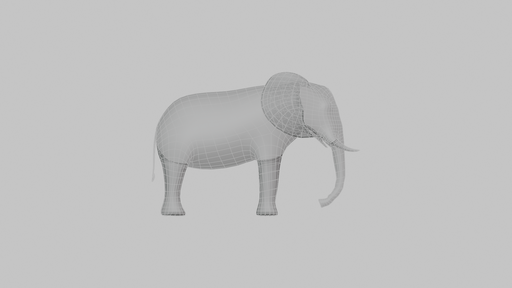
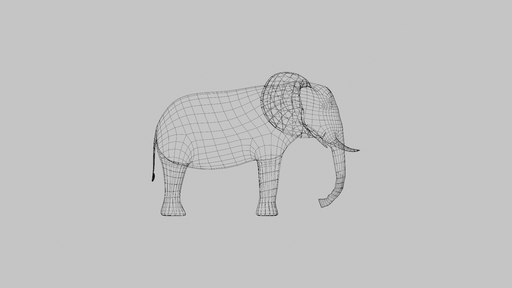
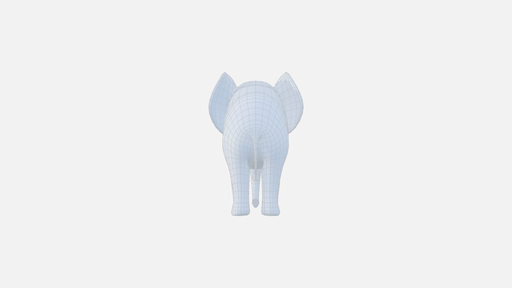
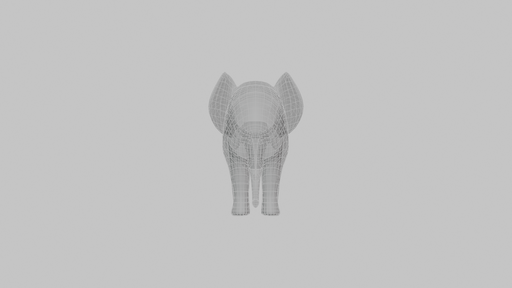
Fast Screenshot
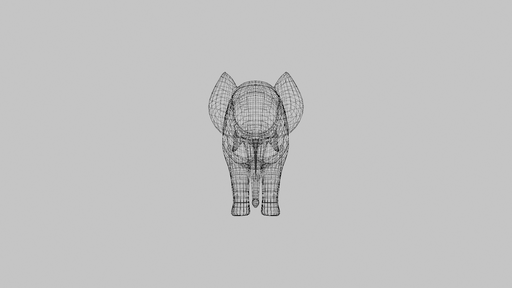
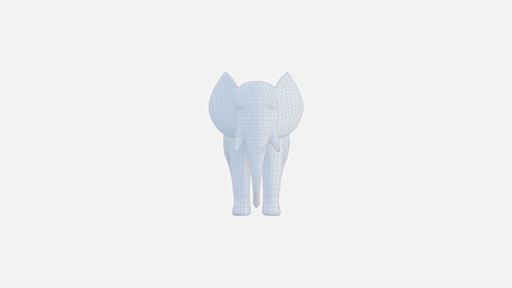
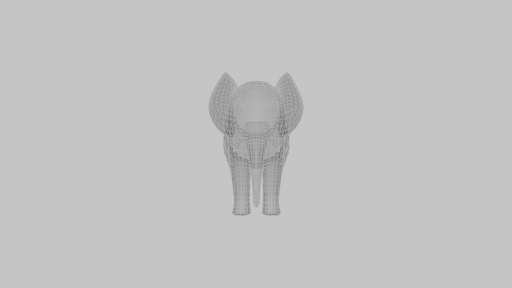
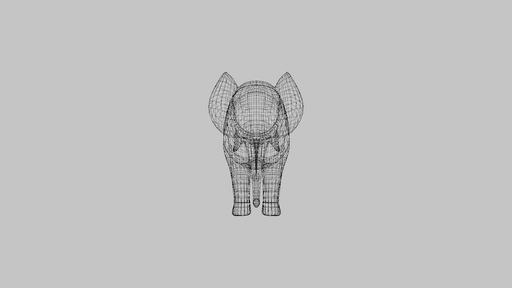
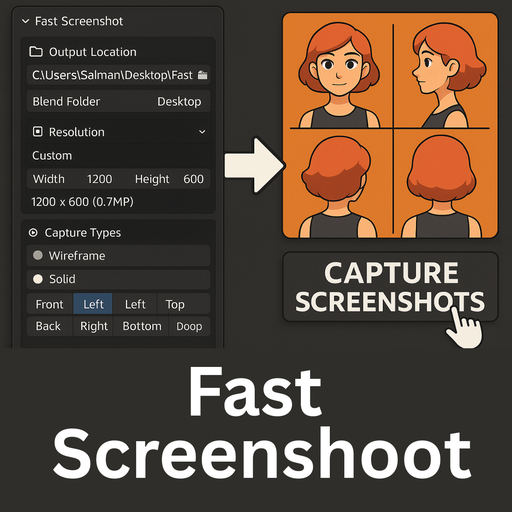
addon that allows you to quickly capture high-quality Objects screenshots in multiple viewing modes(solid,Wireframe,Material) and camera angles with just one click. Perfect for creating character turnarounds, portfolio presentations & references
Fast Screenshoot Addon tutorial
Workflow
1. Prepare Your Scene: Position your character/object in the scene
2. Set Output Location: Choose where to save images
3. Configure Resolution: Select preset or set custom dimensions
4. Choose Capture Types: Enable wireframe, solid, and/or material modes
5. Select Camera Views: Pick which angles you want
6. Click CAPTURE: The button shows how many screenshots will be taken
7. Wait for Completion: Progress updates appear in the info area
How to Use Fast Screenshot addon
1. Output Location
Output Directory: Choose where to save screenshots
Blend Folder: Saves next to your .blend file (creates a subfolder)
Desktop: Saves to Desktop/Fast_Screenshots folder
2. Resolution Settings
Presets: Choose from HD, Full HD, 2K, 4K, or Square formats
Custom: Set your own width/height in pixels
Info Display: Shows resolution and megapixel count
3. Capture Types
Wireframe Mode
Background Color: Set wireframe background color
Wire Color: Set wireframe line color
X-Ray: Show wireframes through objects
Hide Extras: Hide lights, cameras, empties, and armatures
Solid Mode
+ Wireframe: Add wireframe overlay to solid view
Opacity: Control wireframe overlay transparency
Hide Extras: Hide non-mesh objects during capture
Material Preview Mode
+ Wireframe: Add wireframe overlay to material view
Opacity: Control wireframe overlay transparency
Hide Extras: Hide non-mesh objects during capture
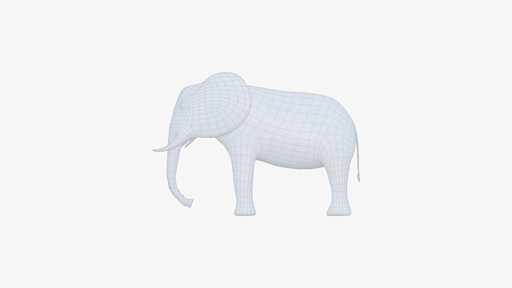
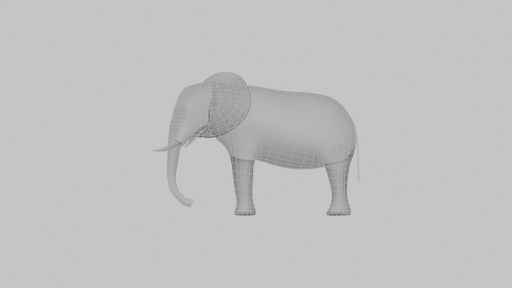
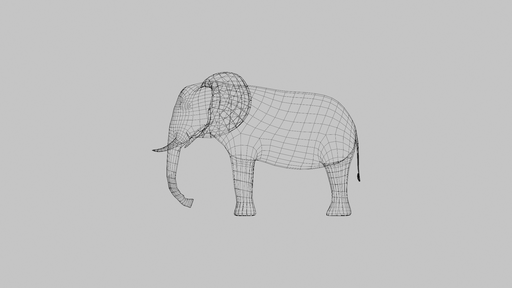
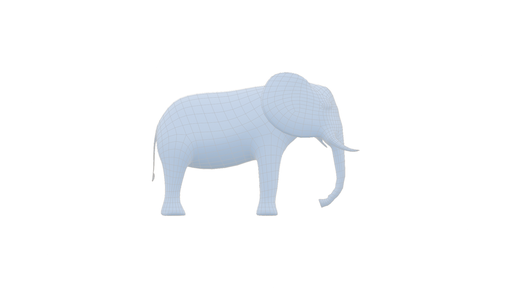
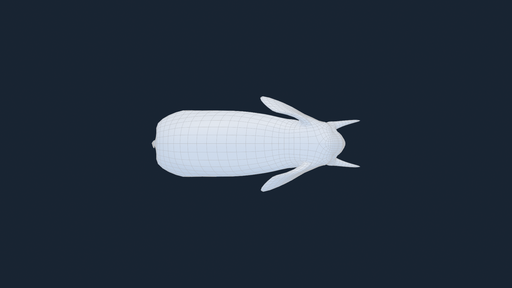
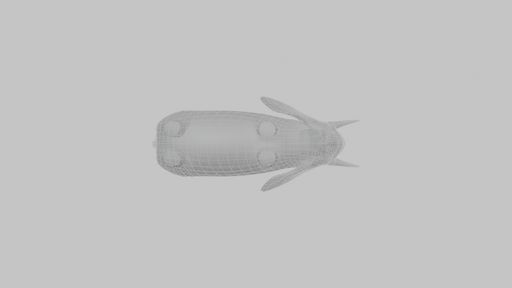
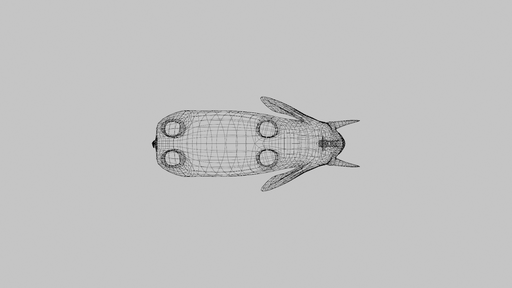
Example Screenshots captured using Addon