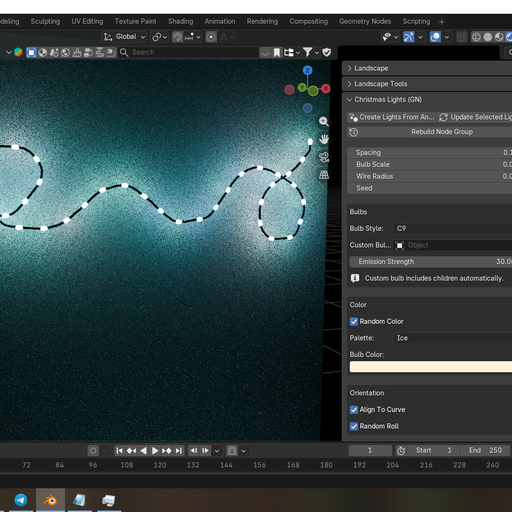
Annotate to Christmas Lights (GN)
Convert Annotate strokes into non-destructive Christmas lights with Geometry Nodes: spacing, wire radius, palettes/random colors, align-to-curve & random roll, plus custom bulb assemblies (children supported).
✨ Draw → Lights in 1 Click
Turn Blender’s Annotate strokes into a fully procedural Christmas light string using Geometry Nodes. Non-destructive, fast to tweak, and perfect for quick lighting setups.
✅ Key Features
Annotate → Christmas lights (Geometry Nodes, non-destructive)
Bulb spacing / scale / wire radius / seed controls
Random colors + palettes (Party / Classic / Warm / Ice)
Align to curve direction + optional random roll
Built-in bulb styles (Fairy / C9 / Icicle)
Custom bulb support (includes children / full hierarchy)
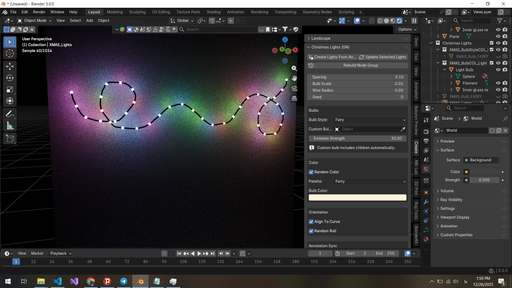
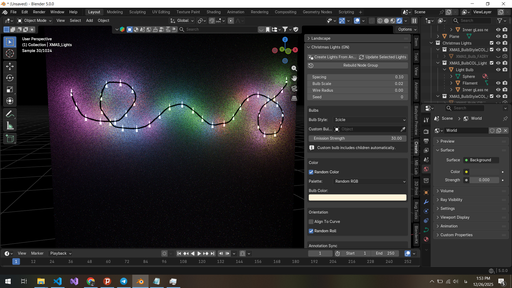
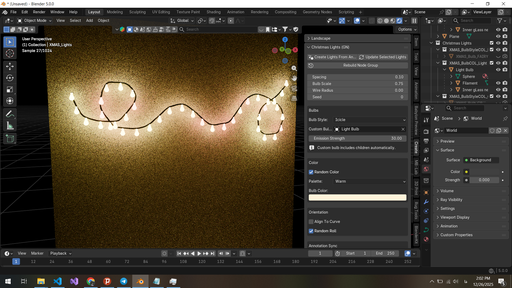
How to use
Draw a stroke with the Annotate tool
Open: N Panel → Create → Christmas Lights (GN)
Click “Create Lights From Annotation”
Tweak spacing, palette, and bulb style (updates live on selected lights)
💡 Custom Bulb Tip
Want your own bulb model? Set “Custom Bulb Object” — the add-on automatically uses the object AND all its children, so your full bulb assembly works out of the box.