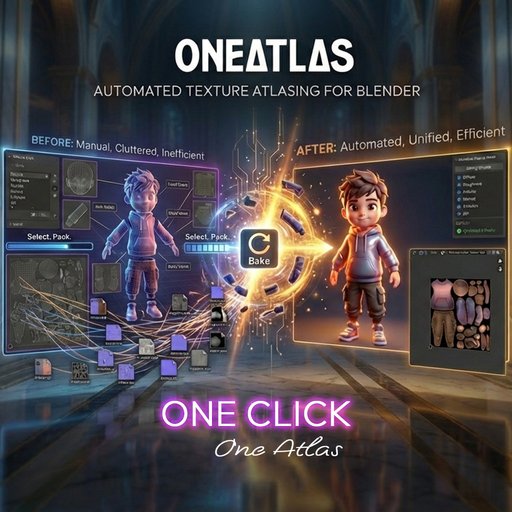
OneAtlas | One-Click Texture Atlas Automation
Turn Multi-Material Chaos into One Clean Atlas
Texture atlas baking shouldn’t feel like solving a puzzle every time.
OneAtlas transforms complex Blender scenes into a single optimized mesh with a unified texture atlas — safely, automatically
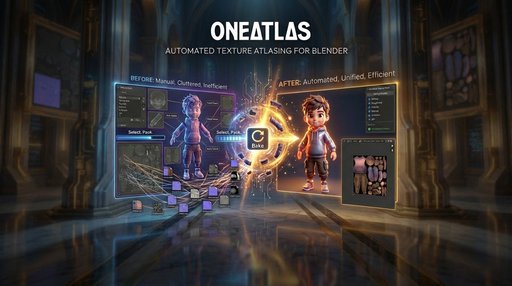
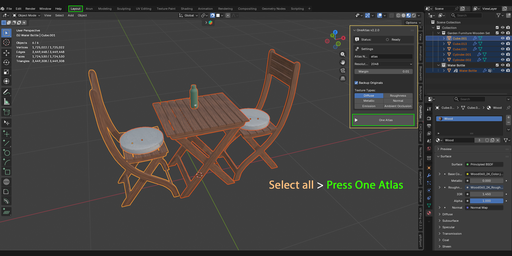
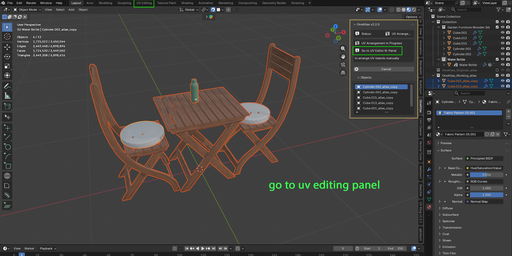
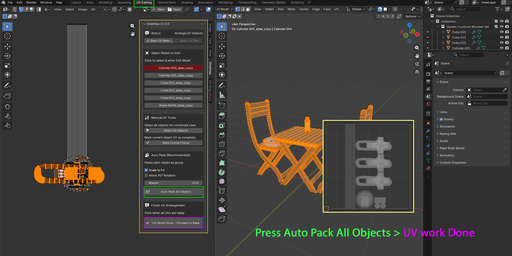
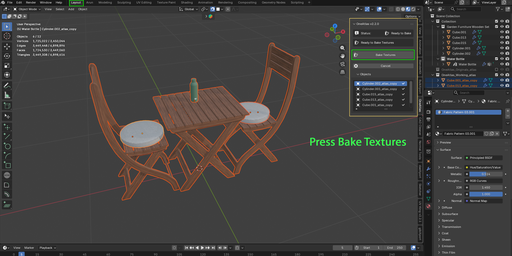
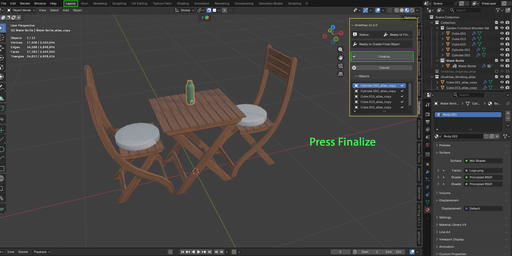
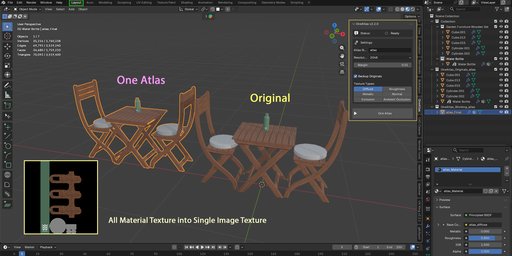
Turn Multi-Material Chaos into One Clean Atlas
Texture atlas baking shouldn’t feel like solving a puzzle every time.
OneAtlas transforms complex Blender scenes into a single optimized mesh with a unified texture atlas — safely, automatically, and non-destructively.
Select → Pack → Bake → Done.
No UV nightmares. No destructive joins. No manual node spaghetti.
Manual atlas workflows usually mean:
- Creating new UV maps
- Rearranging islands to prevent overlap
- Managing multiple materials
- Setting up bake nodes manually
- Fixing export issues later
- Breaking your original scene in the process
OneAtlas handles the entire pipeline on working duplicates.
Your original objects stay untouched. Always.
Core Features One-Click Atlas Workflow
From multi-object, multi-material scenes to a clean, atlas-ready mesh in minutes.
Fully Non-DestructiveOriginal meshes are automatically backed up via View Layer exclusion. No edits to your real assets.
Smart UV Packing Engine- Scale to Fit
- 90° Rotation Support
- Iterative Layout Optimization
- Adjustable Margin Control
Efficient space usage. No bleeding. No guesswork.
UV Memory System (Unique Feature)Save manual UV layouts and restore them instantly.
- By Name Match
- By Topology Match
Perfect for duplicated assets and asset libraries.
Multi-Map PBR BakingBake all essential maps in one go:
- Diffuse
- Roughness
- Metallic
- Normal (Tangent)
- Emission
- Ambient Occlusion
Textures are saved as optimized .webp files to reduce storage without sacrificing quality.
Dual Panel Access- 3D View → Start & Bake
- UV Editor → Arrange & Manage UVs
Clean workflow separation.
How It Works
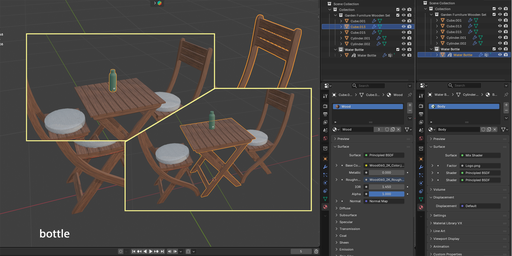
- Select mesh objects
- Click One Atlas
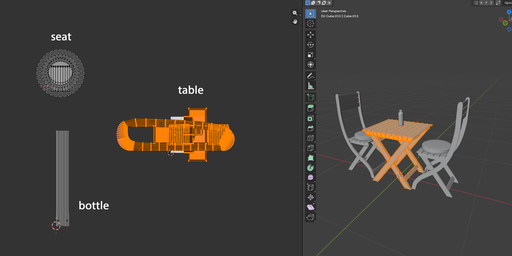
- Arrange or Auto-Pack UVs
- Click UV Work Done
- Bake Textures
- Get a single optimized atlas mesh
Everything is organized automatically.
Perfect For
- Game developers reducing draw calls
- Mobile / WebGL optimization
- Three.js / PlayCanvas exports
- Asset store creators
- AR / VR pipelines
- Students learning optimization
- Anyone tired of manual atlas work
If performance matters, OneAtlas fits your workflow.
Technical Details
- Blender: 4.0+
- Render Engine: Cycles (for baking)
- Workflow: 100% Non-Destructive
- Platforms: Windows / macOS / Linux
Why OneAtlas?
Because optimization shouldn’t slow you down.
OneAtlas removes friction from texture atlas creation and gives you consistent, predictable output every time.
Less setup.
Less cleanup.
More building.