Morph+ Professional Animation presets
A Blender Addon for Complex Animation presets.
What is Morph+?
Morph+ is a VFX preset toolkit for Blender.
It helps you create complex and professional animation effects with just a few clicks. It quickly animates reveals, dissolves, particles and many other effects on your objects.
Choose a preset, pick your object, click Apply.
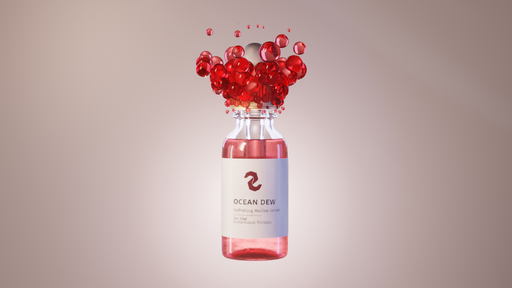
Morph+ has many ready-to-apply animation presets that build the setup for you and keyframe the animation between your chosen frames.
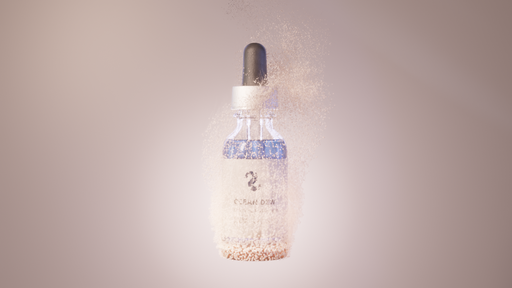
Morph+ simplifies the most time-consuming parts of the animation process by providing a unified panel to manage complex VFX setups.
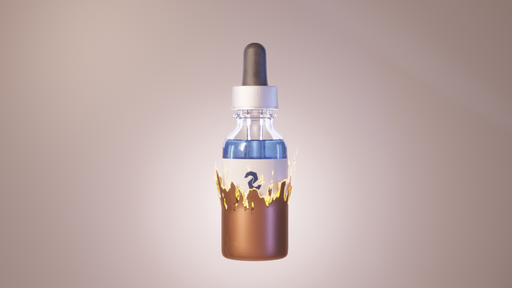
It’s a great fit for many motion graphics projects, from product and logo reveals to architectural visualizations, infographics, and much more.
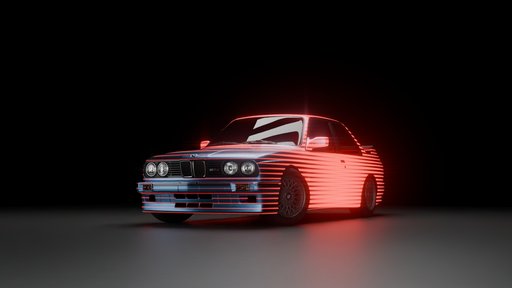
The add-on is designed to work seamlessly within your existing workflow, allowing you to spend more time on creativity and less on technical troubleshooting.
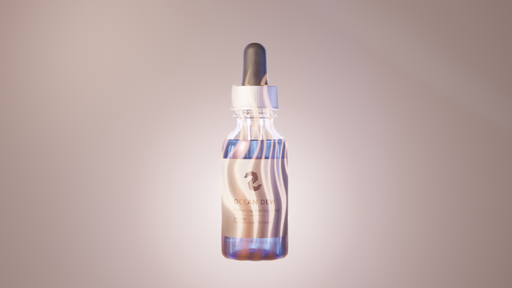
Morph+ combines simplicity with artistic control, getting you professional results instantly while providing advanced sliders to fine-tune every detail when you need it.
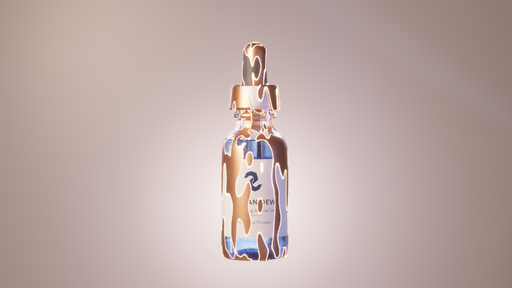
Tutorial and Video Documentation
FAQs
1) Is Morph+ for complete beginners?
Morph+ is designed to be user-friendly, but because many presets are advanced, it’s best if you’re at an intermediate level or already comfortable with Blender basics like modifiers and materials, so you can adapt the results to different types of objects and scenes.
2) Can it be used on parented objects?
Yes, it can be used on parented objects, but the parent’s location/rotation/scale will affect the final result. If something looks off, try testing with the parent transform at neutral values (or temporarily unparenting) to confirm what’s influencing the effect.
3) Why do I get black patches in Cycles?
Many presets rely on transparency in materials, and complex or layered geometry can require higher transparency light-path settings in Cycles.
Increase Transparent Light Path bounces and re-render.
4) Why does Blender crash when I undo right after applying a preset?
It's not uncommon for Blender to crash when undoing operations involving complex changes or interactions with external files. As a safer workflow, after applying the preset, click somewhere in the view-port or move the timeline a bit before undoing.