Bulk FBX Importer
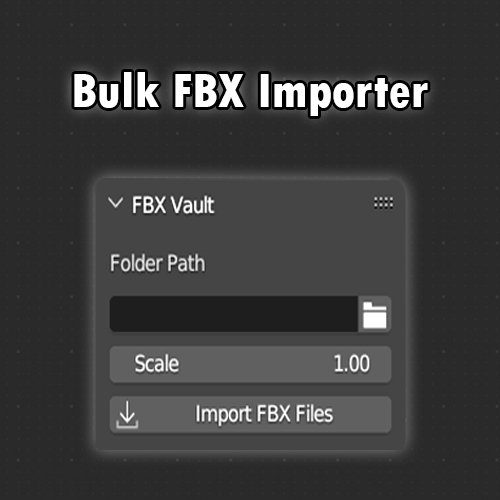
FBX Vault is a bulk FBX importer for Blender that lets you load multiple FBX files at once, saving time and streamlining your workflow.
Installations
- Open Blender.
- Go to the BlenderKit Asset Browser.
- Search for FBX Vault in the add-ons section.
- Click Install.
- Once installed, go to Edit → Preferences → Add-ons.
- Enable FBX Vault from the list.
- Make sure Auto Save Preferences is enabled (or click Save Preferences).
- In the 3D Viewport, press N to open the sidebar.
- Find the FBX Vault tab and start using the addon.
Free for everyone
Name
Bulk FBX Importer
Archive version
1.0.0
Platforms
windows-x64, macos-arm64, linux-x64, macos-x64, windows-arm64
File size
100.7 KiB
By
Zuhaib Khoso