Autoremesher NOW! | Automatic Remeshing
Upgrade your Blender workflow with AutoRemesher NOW!: multiple remeshing strategies, instant results, and consistent quads for rigging and texturing — a must-have for artists and studios.
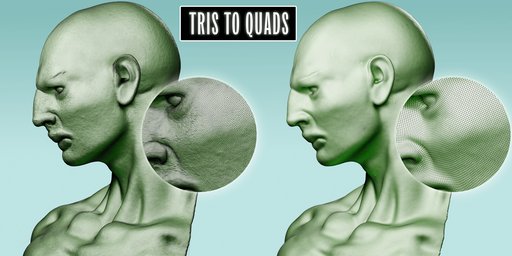
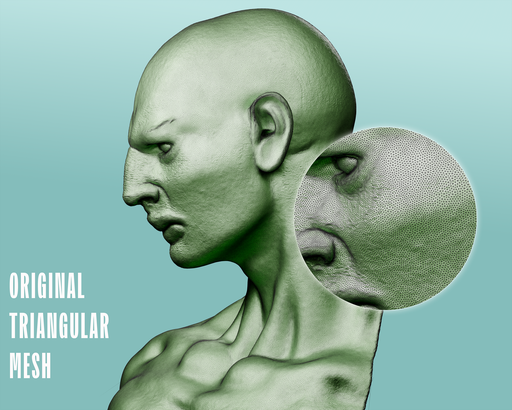
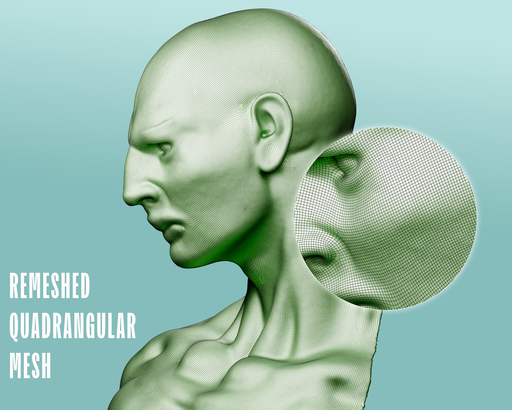
Turn messy triangles into clean quads
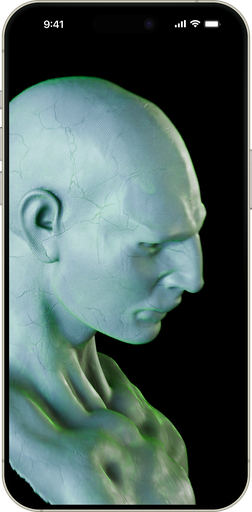
Why AutoRemesher NOW!
🔷
Four Operations
1. Tris → Quads,
2. Tris → Tris (CVT),
3. Decimate,
4. and Repair. Everything you need for triangle meshes in one addon.
⚡
Lightning Fast
Process 200k-999k triangles
How It Works (3 Easy Steps)
01
Select Your Mesh
Pick any mesh object in Object Mode — sculpts, scans, AI-generated meshes, game assets.
02
Choose Operation
Select Tris→Quads, Tris→Tris, Decimate, or Repair. Adjust parameters for your needs.
03
Click Process
Watch the progress bar and get results. Pipeline support for complex workflows.
See the Difference
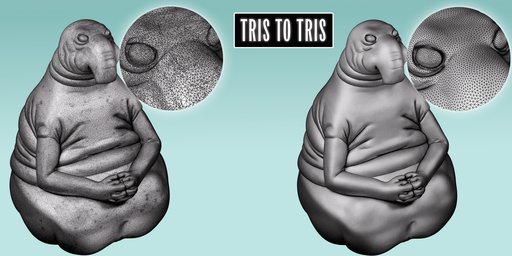
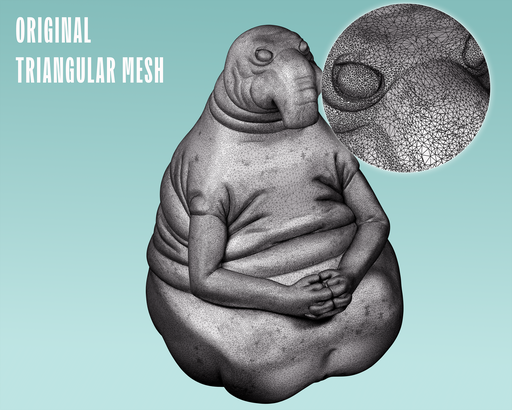
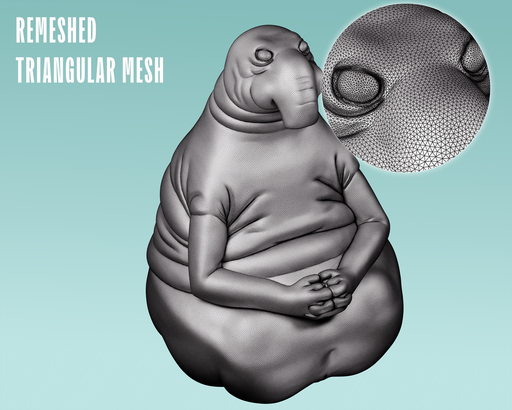
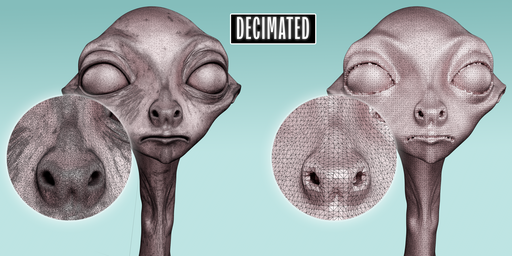
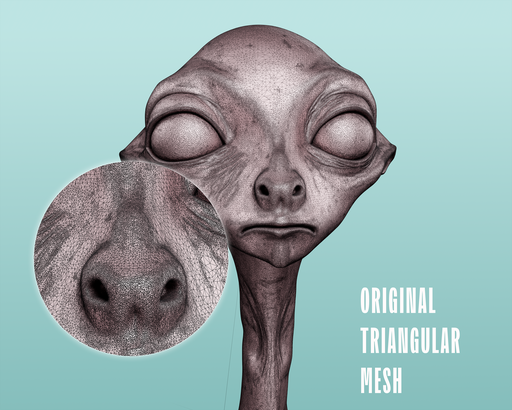
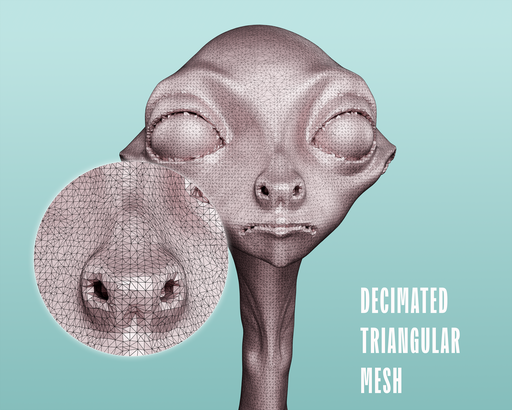
Perfect For
Characters & Creatures
From sculpts to animation-ready topology
AI-Generated Meshes
Post-processing for Hunyuan3D, Rodin, Meshy, Tripo, etc.
Game Props & Environments
Consistent topology for assets and levels
CAD & Archviz
Clean quad flow for architectural models
System Requirements
Operating Systems
1. ✅ Windows 11 x64 (tested)
2. ⚠️ macOS arm64 (supported but not yet tested)
Blender Version
✅ Blender 4.2 and newer
DOCS
Visit --> tinyurl.com/mvfx5apu