Better Cutter V1.1
Advanced mesh cutting for Blender. Go beyond the built-in tools with planar cuts, shape-based cuts, and curve-driven cutting - all from a single, simple panel.
Better Cutter
Advanced mesh cutting for Blender. Go beyond the built-in tools with planar cuts, shape-based cuts, and curve-driven cutting - all from a single, simple panel.
Better Cutter V1.1 demo video
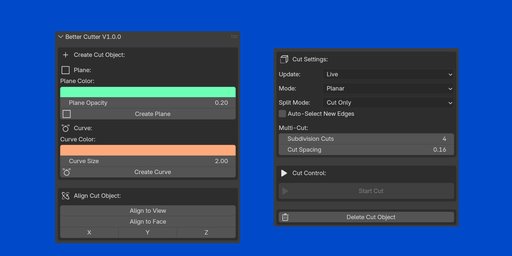
Better Cutter V1.0
What's New in V1.1
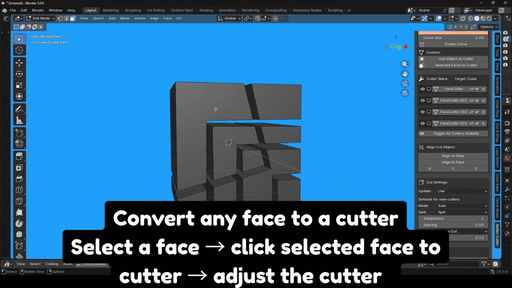
Face Cutter — Convert any face into a cutter.
Review from the Creators
AskNK - Ansalem
Cut Modes
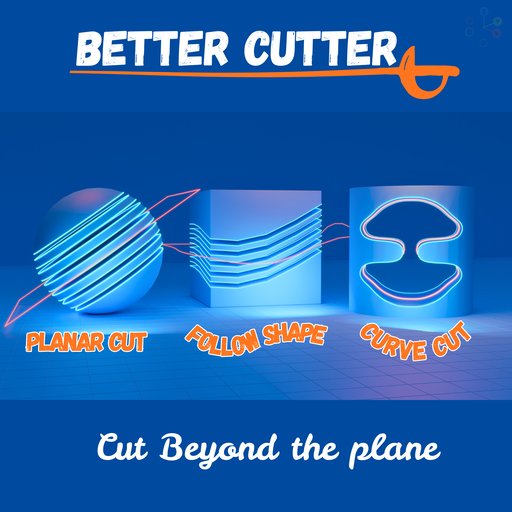
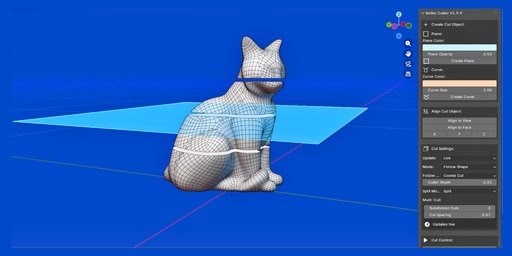
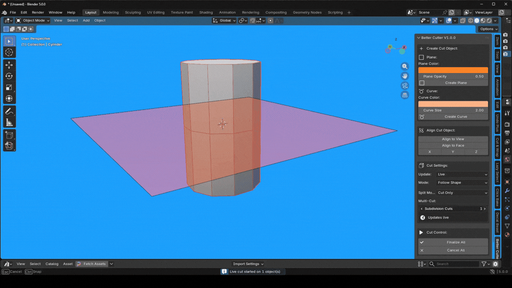
Planar Cut with live update
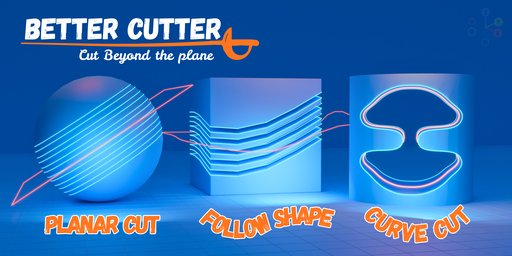
Uses the position and orientation of the cutter plane to create a simple, straight cut through your mesh. Fast, clean, and reliable.
Follow Shape Cut
Uses the actual outline shape of the cutter plane or curve to cut the mesh. If you modify or reshape the cutter, the cut will follow that exact shape - ideal for complex panel lines, cutouts, and custom silhouettes.
Curve Cutter (Use curve to cut the mesh, adjust the shape
Create a Bezier curve and reshape it into any custom form - a star, arrow, logo, or any freeform shape. Better Cutter will use that exact curve shape to cut your mesh, giving you full creative control over the cut silhouette.
Bezier, NURBS, and Poly curves are all supported.
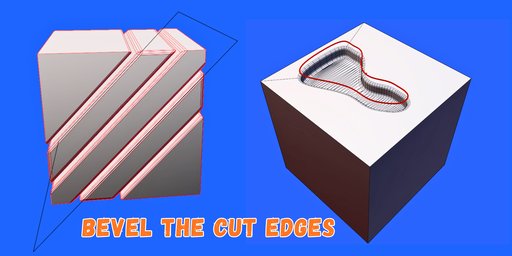
Bevel the cut Edges
You can now bevel the cut edges
Split Mode
Cut Only (Creates only loop cut with live update)
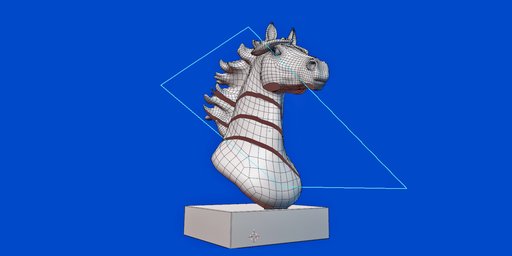
Adds clean edge loops to your mesh without separating any geometry. The mesh stays in one piece. Works even on meshes with ngons.
Split (Separates the mesh at the cuts)
Separates the mesh along the cut, producing distinct individual pieces of geometry. When finalized, all loose parts are automatically separated into their own objects.
Follow Shape Operations
Cut Through
Adds cut edges where the shape intersects the mesh. All geometry is kept intact.
Cookie Cut
Cuts the mesh with both plane and follow shape and removes the cut parts of the object.
Keep Inside
Keeps only the part of the mesh that falls inside the cutter shape, discarding everything outside.
Cut Multiple Objects
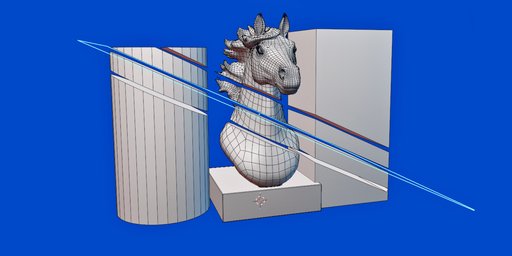
It can cut multiple objects at the same time, just select the objects and click on create plane, and Start cut
Update Modes
Live Mode
The cut updates in real time as you move or rotate the cutter. Ideal for visually positioning the cut exactly where you want it.
Manual Mode
The cut only updates when you click the Update button. Recommended if Live mode is slowing down your viewport.
Workflow
Start Cut
Select your mesh and the cutter object, then hit Start Cut to begin. Position and adjust freely.
Cancel
Not happy with the result? Cancel at any time to fully restore the original mesh.
Finalize
When satisfied, Finalize commits the cut permanently and automatically separates loose pieces if Split mode is active.