PickUp Tools
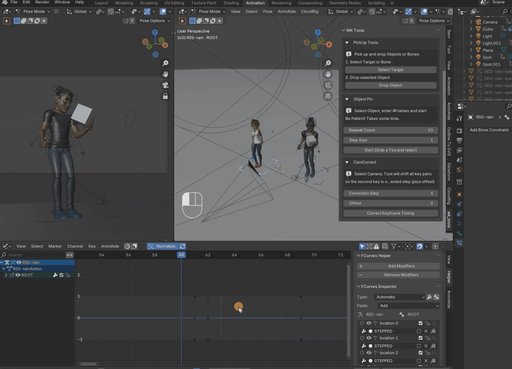
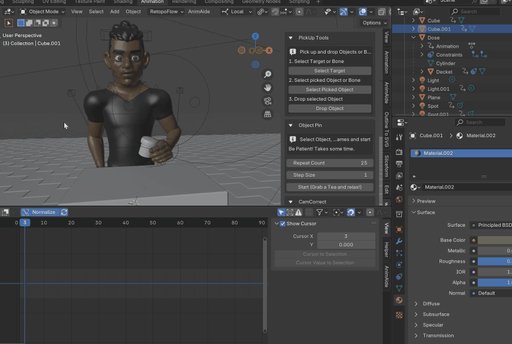
Animate PickUp & Drop with ease – for objects and bones. Lock feet during walkcycles with ObjectPin to prevent sliding. Compensates parent-movement and locks objects for the frame range you chose.
WK Tools
PickUp Tools
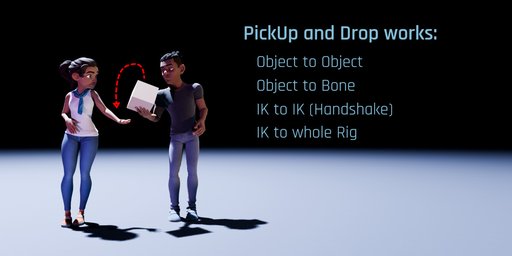
- Animate PickUp and Drop for objects or bones with just a click
- Automatically handles Child Of constraint creation, offsets, and keyframes
- Works with animated targets – pick up a moving object and drop it anywhere
- Supports multiple pick-up/drop sequences (no manual cleanup required)
- Clean results for object-to-object, bone-to-object, or IK-to-IK parenting (do ahandshake!)
Use it:
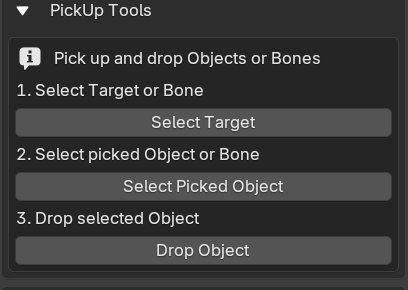
- Select your target (e.g. a hand bone or object that will hold something)
- Select the object to be picked up
- Click “Pick Up” – done!
The object now follows the target using a cleanly animated child-of constraint.
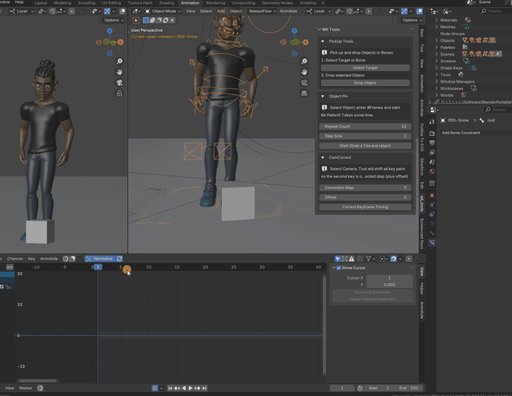
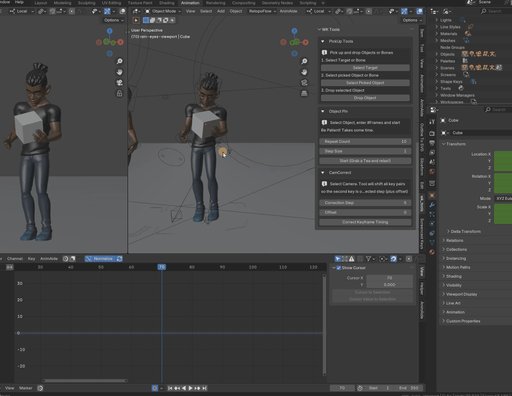
ObjectPin
Lock any object’s global position across a chosen frame range
Stop foot sliding in walkcycles – pin a foot when it touches the ground
Works with bones, IK chains, and child objects like lids or tools
Great for cases where parenting would break motion consistency
Set it once, and it bakes in the motion—no constraints needed
Use it:
- Select any object (or bone in Pose Mode)
- Enter how many frames to pin it in place
- Click “Pin Object” – the tool copies its world transform across the range
Result: the object will hold still in space, even if it's parented or animated indirectly.
Use this for grounded feet, stationary hands, or or child-objects like lids.
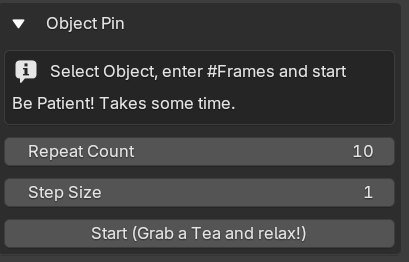
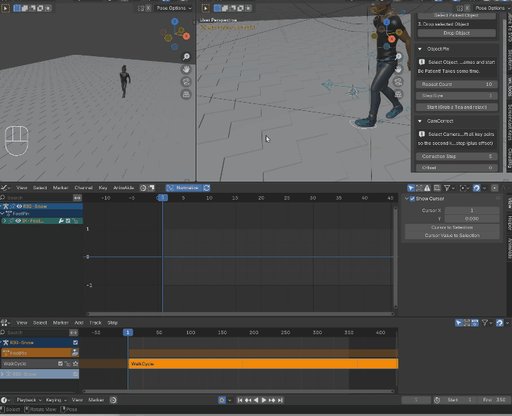
Quick Foot Reset
- New module!
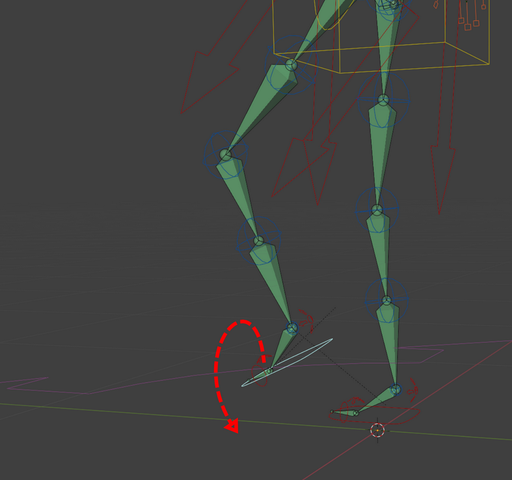
When animating walks, you have to set the foot to the floor on every step. You want to keep the orientation (e.g. Euler Z) but want to set X and Y to 0, so the foot isn't tilted. You also want the foot to Location Z=0 so it's flat on the floor.
Wouldn't it be great to have a Quick Favorite Button to do all this?
Done.
CamCorrect (Stepped Animation Tools)
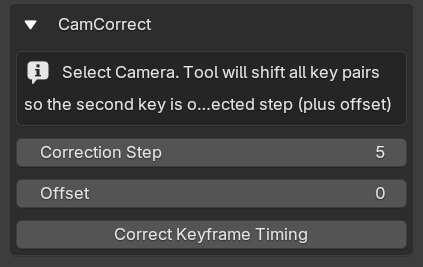
In stepped animation styles like “on 2’s” or “on 5’s,” characters only update their pose every 2, 3 or 5 frames. This can cause visual jumps when camera cuts fall between those steps.
CamCorrect solves this by scanning your scene for keyframe pairs that mark a camera cut (e.g. Frame 102: old position, Frame 103: new position). It then shifts those keyframes forward or backward so the cut lands exactly on a stepped frame – like 100, 105, 110, etc.
Adjusts camera keyframe pairs to match stepped timing (on 2’s, on 5’s, etc.)
Ideal for stylized or cartoon animation workflows
Keeps camera cuts aligned with character pose transitions
Use it:
- After layout, before switching to stepped interpolation
- To avoid characters snapping into place after the cut
- For smoother pose-to-pose readability in stylized workflows
You can set the step size (e.g. 2 or 5), and CamCorrect will align all cuts in just one click – no manual keyframe hunting.