AI Nodes
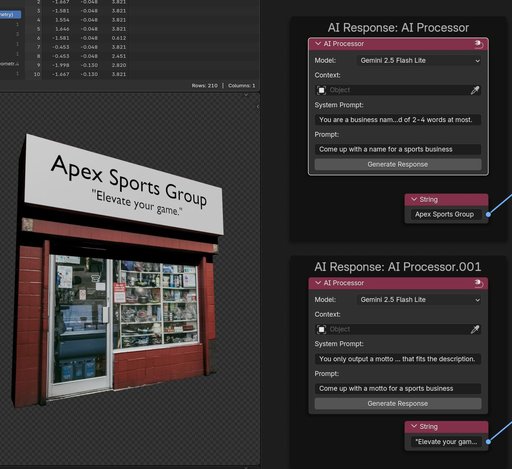
AI Geometry Node! Generate procedural text strings with AI directly in Geometry Nodes. Perfect for dynamic store signs, character name tags, product labels, and UI text. Just drag & drop to install, connect to any string input, and let Gemini AI hand
AI Geometry Node
An AI-powered Blender addon that generates dynamic text for procedural workflows using AI (Gemini & Many More to come).
Note: ⚠️ Generating AI text for your models comes with risks, responses might be inaccurate or incorrect. ⚠️
What does it do?
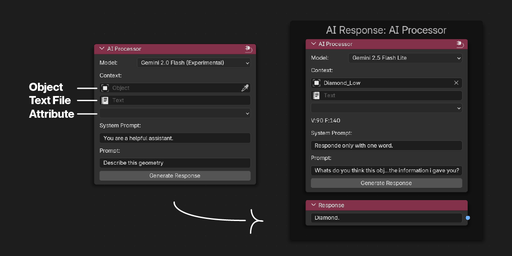
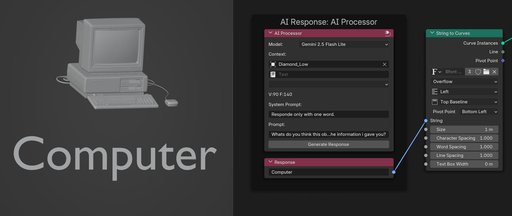
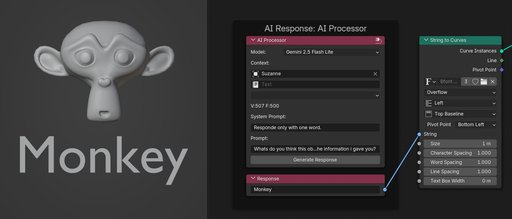
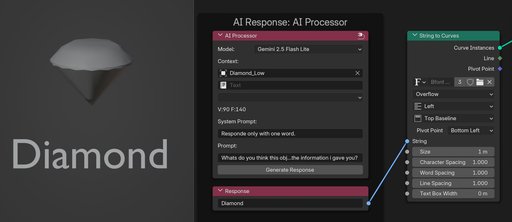
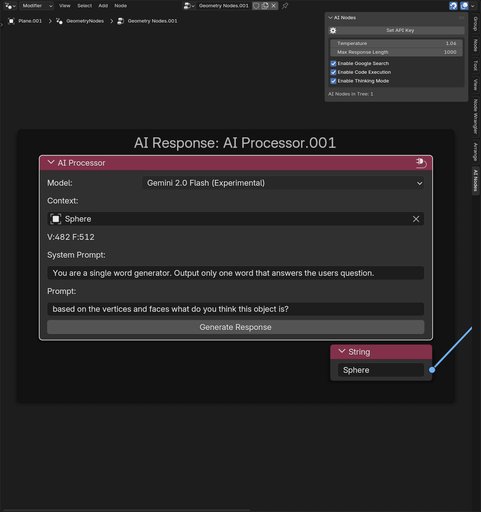
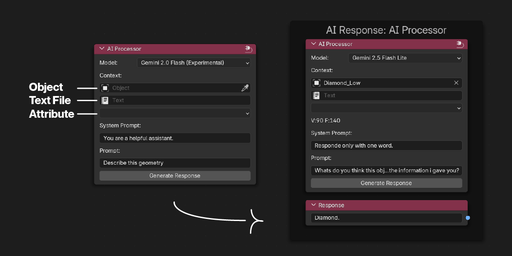
This addon adds an AI node to Blender's Geometry Nodes that outputs text strings based on your prompts. These strings can be used to procedurally generate text content throughout your scenes. It can use context from Blender for more intricate and complex behaviors.
Practical Use Cases
- Store Signs & Signage: Generate realistic shop names, street signs, or billboard text
- Character Name Tags: Create procedural name badges, military dog tags, or ID cards
- Product Labels: Generate ingredient lists, warning labels, or product descriptions
- UI Text Generation: Create procedural menu text, button labels, or interface elements
- Image Analysis: Describe what's in a texture or image for procedural decision making
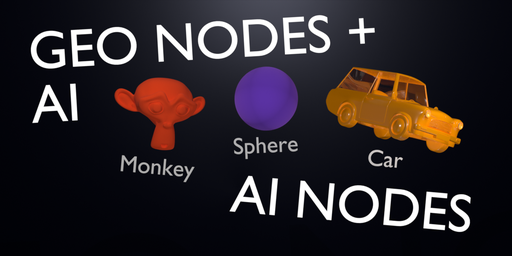
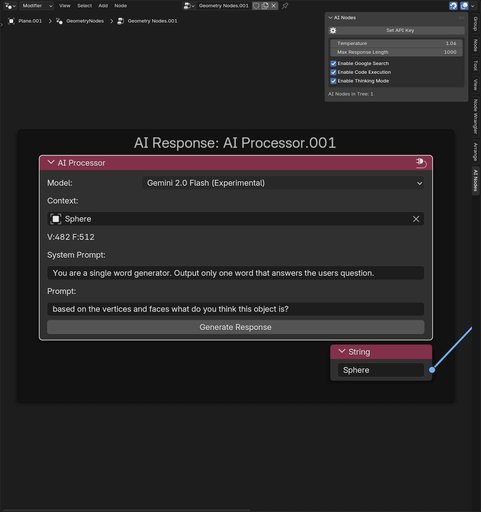
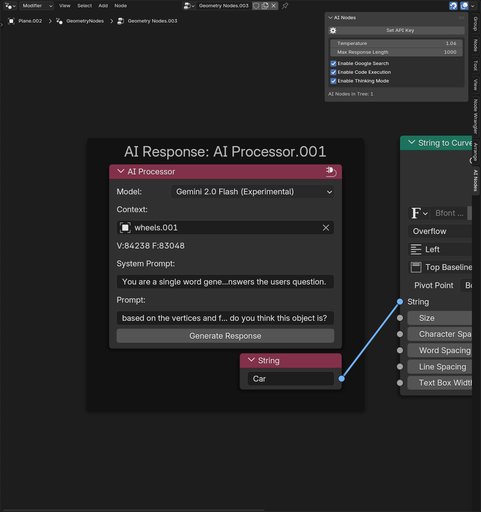
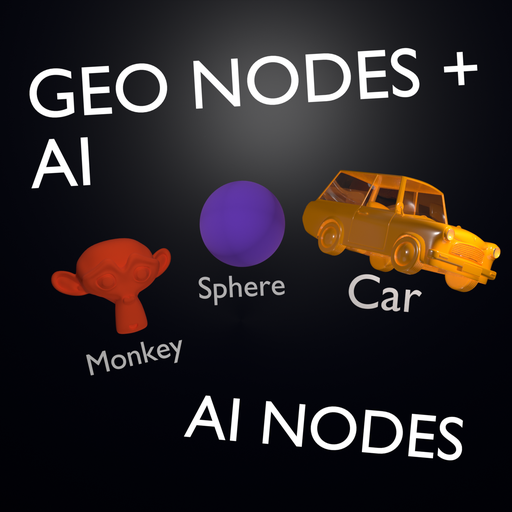
- Mesh Analysis: Get AI descriptions of geometry properties for conditional logic
- Random Flavor Text: Generate procedural descriptions, lore, or atmospheric text
- Localization: Generate text in different languages for international scenes
- Dynamic Subtitles: Create contextual text overlays based on scene content
Installation & Updates
- Download the ai_geometry_node_addon.zip file
- Open Blender
- Simply drag and drop the zip file into Blender
- The addon will be automatically installed and enabled
To update: Just drag and drop the new zip file into Blender - it will automatically replace the old version.
https://assets.superhivemarket.com/cache/cd4bea6f159c53280178511253982183.pnghttps://assets.superhivemarket.com/cache/cd4bea6f159c53280178511253982183.png

Setup
- After installation, go to Edit → Preferences → Add-ons
- Find "AI Geometry Node" in the list
- Enter your Google Gemini API key in the addon preferences
- Save preferences
How to Use
- Create or open a Geometry Nodes modifier
- In the Geometry Nodes editor, press Shift+A to add nodes
- Navigate to Add → AI Nodes → AI Geometry Node
- Connect the string output to text objects, material nodes, or other string inputs
- Enter your prompt (e.g., "Generate a coffee shop name" or "Describe this mesh")
- The AI outputs a text string you can use anywhere in your node tree
Getting Your API Key
- Visit Google AI Studio
- Sign in with your Google account
- Create a new API key
- Copy the key and paste it in the addon preferences
What's coming?
In the following updates we are introducing:
1. Multiple AI's (Claude, GPT, Gemini, etc.).
2. Full chats.
3. Complex prompt building with nodes.
4. Improvements to the UI and addon.