JoinForce Animation Render
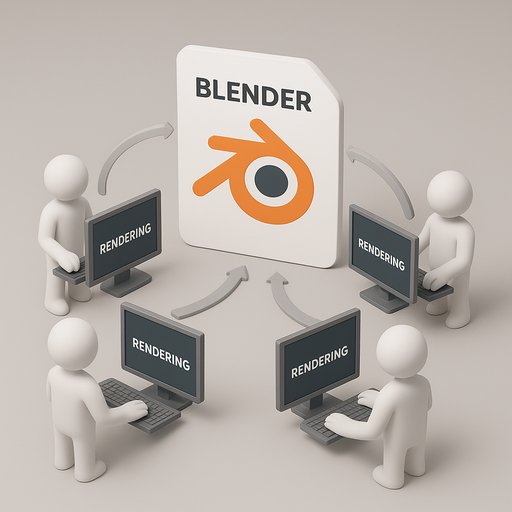
This add-on helps you use all your computers to render animation all together, like network rendering but limited to a local or shared folder (e.g., a NAS drive). Collaborate with others and speed up your production.
Preparation → Render → Collect.
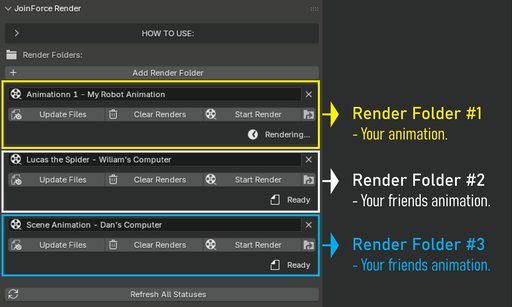
GUIDELINES FOR YOU
-
All computers participating in this collaborative render must be connected to the same shared drive. With the add-on (in the 3D viewport N key), all computers must navigate the main folder where the animation being sent/saved.
-
Create your animation first and complete all necessary setups such as camera angles, samples, keyframes, lighting, etc.
-
Since this is a collaborative render, JoinForce will automatically save your renders as .png files.
-
JoinForce will create a default "Renders" folder for each project, so you don’t need to worry about setting the output path manually. You can browse this folder directly from the JoinForce interface.
HOW THIS ADD-ON WORKS
-
When you place your Blender file in the selected folder, JoinForce will generate all necessary files for rendering — including a prepared .blend copy, a file for background rendering, and the output folder.
-
Once you click the "Render" button (on any computer: Comp #1, Comp #2, etc.), the rendering will start automatically. When it’s done, simply collect your files from the output folder.
DISCLAIMER
This add-on will not work if the computers use different Blender versions. Currently, it has only been tested with Blender 4.5.
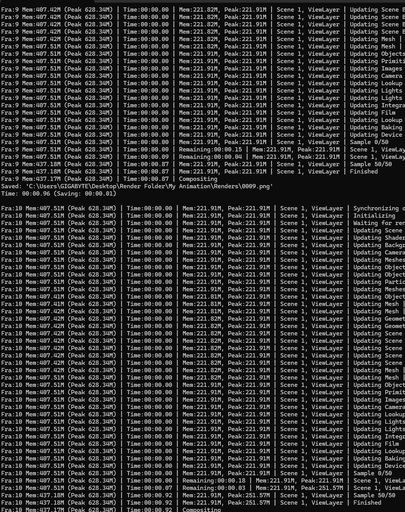
CMD PROMPT RENDERING PROCESS