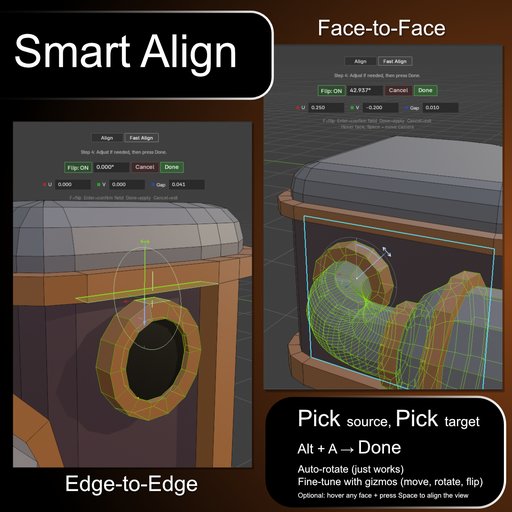
Smart Align
Smart Align is a Blender add-on that brings CAD-like precision and workflow to Edit Mode.
It lets you align faces, edges, vertices, or entire geometry islands using a fast and predictable source to target workflow without breaking your modeling flow.
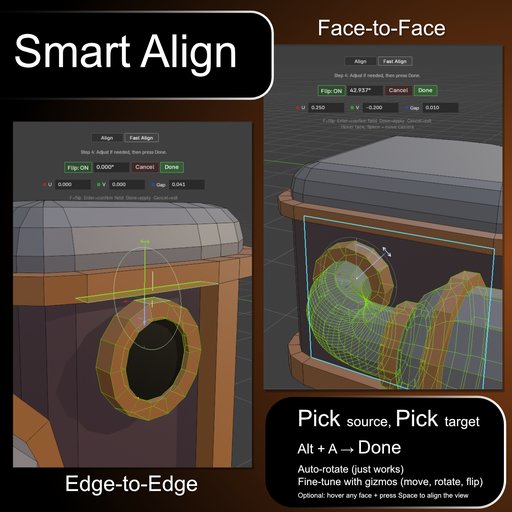
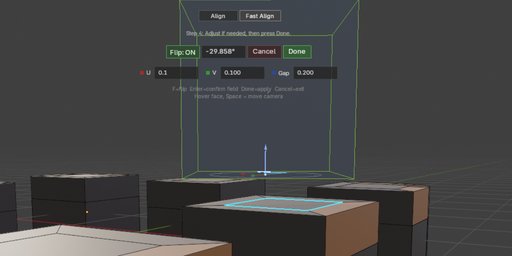
Smart Align is a Blender add-on that brings CAD-like precision and workflow to Edit Mode.
It lets you align faces, edges, vertices, or entire geometry islands using a fast and predictable source to target workflow without breaking your modeling flow.
Key Features
Align (Edit Mode)
Guided source-to-target alignment for precise placement.
Perfect for assembling complex geometry cleanly and reliably.
Fast Align (Edit Mode)
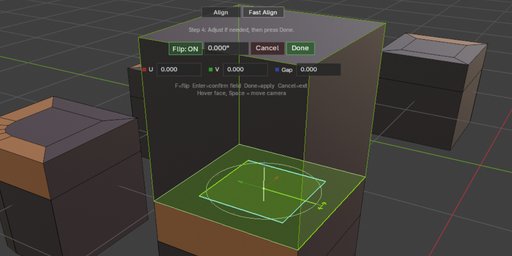
Select two elements (vertex, edge, or face) and align instantly.
Automatically moves the entire connected geometry when needed.
Fine Tune Rotation and Offset
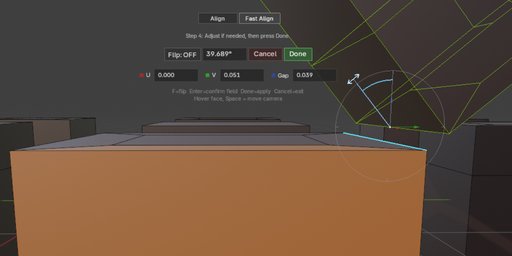
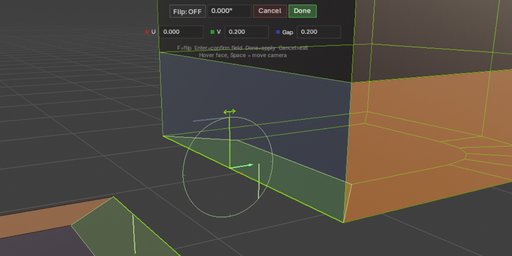
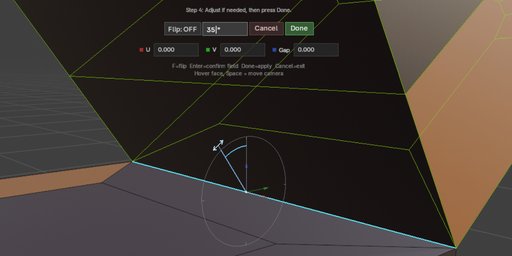
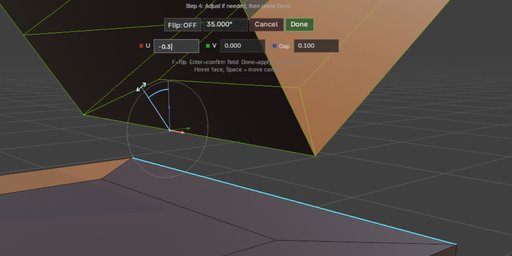
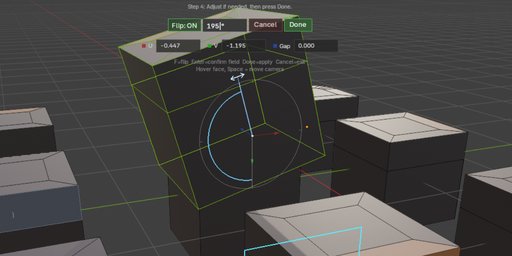
Interactive rotation with snapping and manual control, plus local U / V / Gap offsets for post-align adjustment.
Supports parallel and perpendicular alignment cues based on context.
Interactive Fine Tune Gizmos
Adjust aligned geometry directly in the viewport with local move gizmos and a dedicated rotation handle.
Numeric fields and gizmos stay in sync for fast visual and precise adjustment.
Face-Aligned Camera Assist
During Fine Tune, hover any face and press Space to rotate the view perpendicular to that face.
This keeps inspection and precise adjustment fast without changing your zoom level.
Why Smart Align
• Works directly in Edit Mode (no mode switching)
• Moves full geometry islands, not just selected elements
• Predictable results with guided source-to-target alignment
• Fine Tune supports both rotation and local post-align movement
• Built for real-world hard-surface and CAD-style workflows
Fast Align (Quick Workflow)
Select a reference element (vertex, edge, or face)
from the geometry island you want to move in Edit Mode.
Select a target element (vertex, edge, or face).
Press Alt + A and choose Fast Align.
Optional: adjust with Fine Tune rotation, U / V / Gap, gizmos, or Space face-view align, then press Done.
The entire connected island of the reference will move and align to the target.
Align (Step-by-Step Workflow)
Press Alt + A.
Choose Align.
Select the geometry you want to move
(can be partial selection, not just full islands).
Select a reference element (vertex, edge, or face).
Select a target element.
Optional: adjust with Fine Tune rotation, U / V / Gap, gizmos, or Space face-view align, then press Done.
Shortcut: Alt + A