Upscalar | The Image AI Upscaling For Blender
Upscalar, a simple and fast way to upscale images directly inside Blender. Upscalar enhances resolution by 2X, 3X, or 4X with a clean, detail‑preserving approach that keeps edges crisp and textures natural.
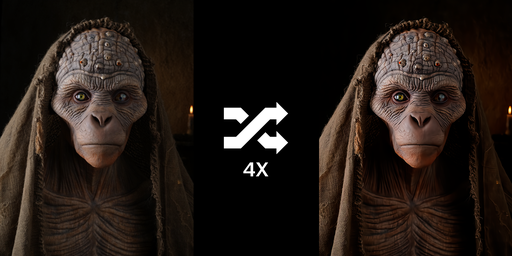
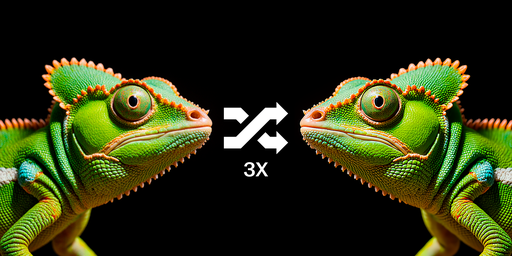
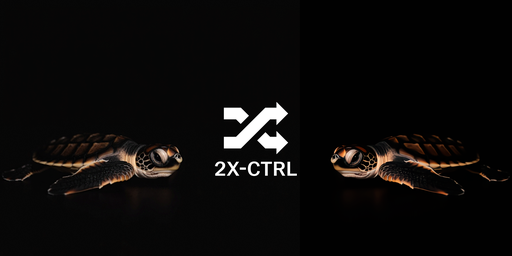
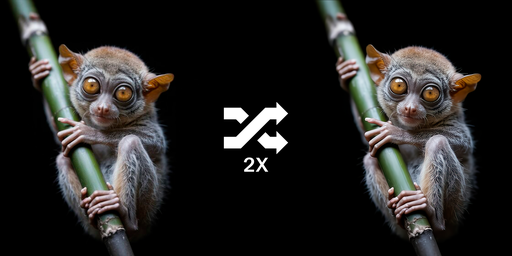
Make Every Pixel Count
Elevate your textures, plates, and renders with clean, high‑quality upscaling (2X/3X/4X) right inside Blender's Image Editor. No round‑trips, no guesswork—just sharp, production‑ready detail.
Why Upscalar
Clean detail, fewer artifacts
Preserve edges and surface patterns without over‑sharpened or "invented" textures.
Native Blender workflow
Load → Select Factor → Upscale. Your result appears instantly as a new Blender image.
Fast when it matters
GPU acceleration via DirectML on Windows, with CPU fallback for universal compatibility.
Built for Blender Workflows
Video Sequencer
Upscale reference plates, screen inserts, or low‑res footage stills for sharper edits.
Shader Editor
Boost texture maps (albedo, roughness, masks) when source resolution is limited.
Compositor
Enhance plates and passes before keying, denoising, or final comp tweaks.
Grease Pencil
Cleanly enlarge drawn frames for crisper lines and fewer jaggies.
Render Rescue
When a small preview render is all you have, upscale it for reviews, boards, or quick turnarounds.
How It Works
1
Load your image into the Image Editor.
2
Choose 2X, 3X, or 4X.
3
Click "Upscale Image". The result appears as a new Blender image (named like original_upscaled2X). Export when ready.
What Makes It Different
Production‑friendly results
Prioritizes crisp edges and natural textures—great for look‑dev, compositing, and delivery.
Consistent color
Preserves color fidelity; no strange saturation or contrast surprises.
Less "hallucination"
Compared to perceptual‑centric enhancers (e.g., Real‑ESRGAN), Upscalar emphasizes clean detail with fewer invented textures—ideal when you need believable, stable results.
Compatibility
Blender
4.2+
Platforms
Windows 11 x64
macOS ARM64 11+ (beta)
GPU
DirectML(Windows)
Formats
PNG, JPEG, TIFF, BMP, EXR, HDR
Note: Currently tested and verified on Windows 11 x64. macOS ARM64 support is experimental and not guaranteed to work without issues.
Who It's For
- 3D generalists and look‑dev artists needing sharper textures fast
- Motion graphics and editing teams upscaling stills for the VSE
- Compositors enhancing plates and elements with minimal artifacts
- Teams standardizing on Blender who want upscaling native to their pipeline
Get Upscalar
Deliver clean, higher‑resolution images without leaving Blender.
✅ Simple UI, focused on what matters
✅ 2X / 3X / 4X upscaling paths
✅ Reliable, repeatable results for production
Docs
Visit the documentation in --> tinyurl.com/3682hkph