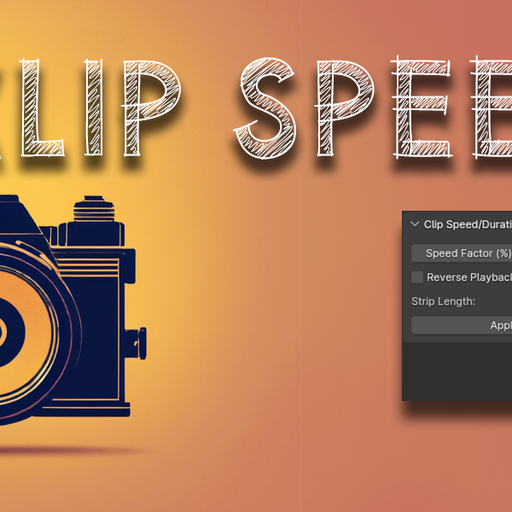
Clip Speed
Introducing the "Clip Speed/Duration" add-on for Blender!
With this powerful tool, users can effortlessly adjust the speed and duration of their video clips with precision and ease. The add-on allows for seamless control over clip speed factors, enabling users to speed up or slow down footage as desired. Additionally, the functionality includes the automatic addition of a speed control effect strip. Users can also apply reverse playback, further expanding creative options.
To install the "Clip Speed/Duration" addon, download and install it through Blender's Preferences > Add-ons > Install. Once installed, access the panel from the Video Sequence Editor under the Sidebar > Speed/Duration. Adjust the speed percentage and toggle reverse playback, then click "Apply Speed" to change the selected clips' speed and duration.