Material Viewport Color from Nodes
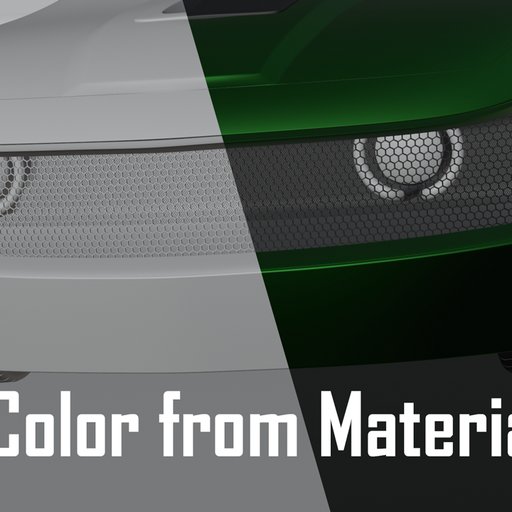
Ever realize all your materials' viewport is just the default white? This add-on tries to automatically set each material's viewport color based on its shader nodes.
Once enabled, you can find the add-on's panel in your object's material properties tab. There are multiple operators that you can use to set material color. You can limit its scope to:
- active node and its inputs
- the active material only
- all of the active object's materials
- all selected objects
- all materials in the blend file
Read more about how it works and supported nodes on GitHub: https://github.com/semagnum/Material_Color_From_Nodes
Free for everyone
Name
Material Viewport Color from Nodes
Archive version
0.1.3
File size
782.9 KiB